
Spreadsheet Budgeting vs. Budgeting Apps: What Works Better for Most People
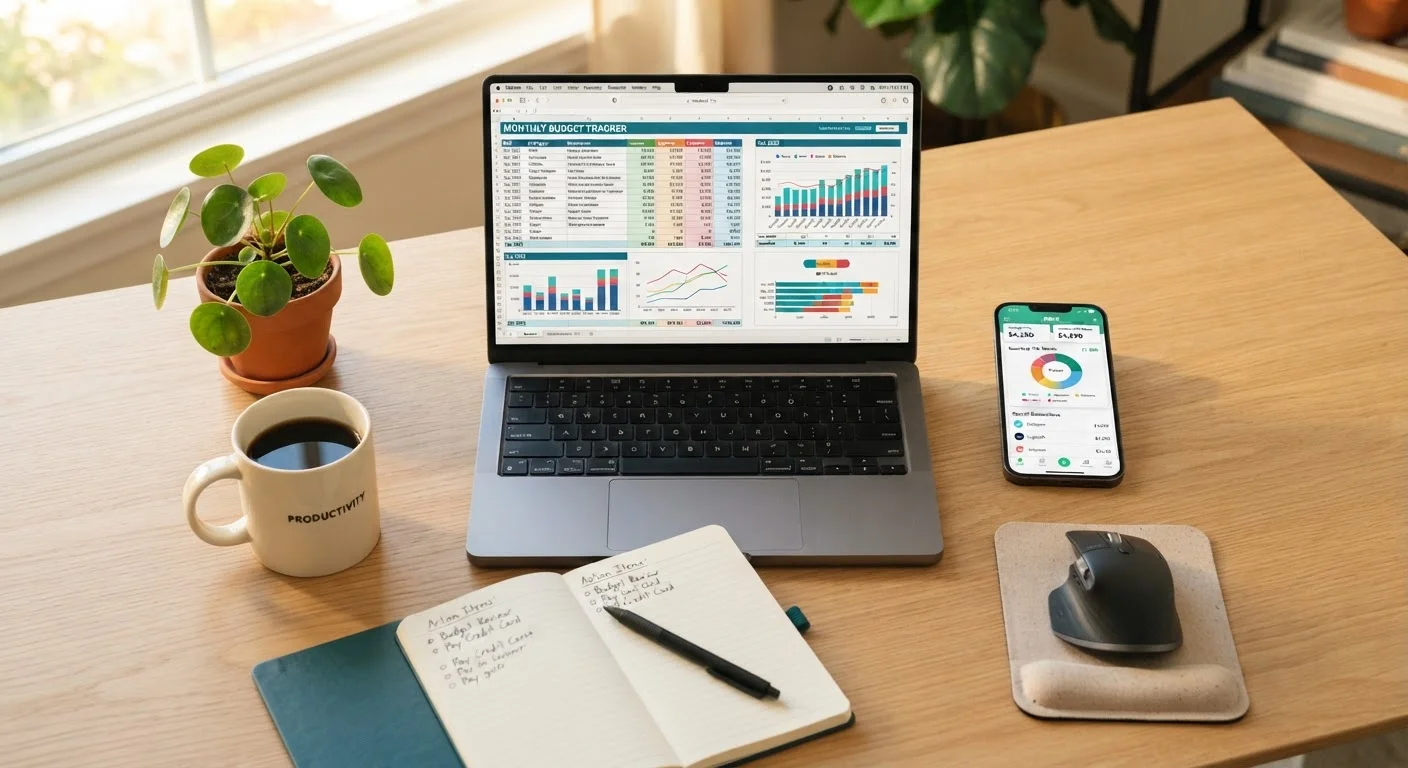
Photo credit: AdvisorHQ.net | Informative Website
In this article
Weigh the practical trade-offs between tracking your budget manually in a spreadsheet versus using a dedicated digital app.
Key Takeaways
- Spreadsheets offer maximum flexibility but require manual effort and consistent discipline to maintain.
- Budgeting apps automate data entry and provide real-time spending alerts, lowering the barrier to staying on track.
- Neither method is universally superior - the right choice depends on your habits, tech comfort level, and privacy preferences.
- Consistency matters more than the tool; even the most sophisticated app fails without regular review.
- Privacy-conscious users may prefer spreadsheets, since apps often require linking bank accounts.
The Core Difference Between These Two Approaches
At their core, both spreadsheets and budgeting apps exist to answer the same question: where is your money going? The difference lies in how much of the work you do yourself. A spreadsheet - whether built in Microsoft Excel or Google Sheets - is a blank canvas. You define the categories, enter every transaction, design the formulas, and interpret the results. That level of involvement can be a strength or a weakness depending on your habits.
Budgeting apps, by contrast, are purpose-built tools. Many connect directly to your bank and credit card accounts, pulling in transactions automatically and categorizing them with minimal effort on your part. Some also offer dashboards, goal trackers, and spending alerts. If you want to understand the broader landscape of personal budgeting before committing to either tool, The Complete Guide to Building and Maintaining a Personal Budget provides useful context.
| Spreadsheets | Budgeting Apps | |
|---|---|---|
| Setup effort | High - build from scratch or template | Low - guided onboarding process |
| Ongoing data entry | Manual - every transaction entered by user | Mostly automatic via bank sync |
| Customization | Unlimited - fully user-defined | Limited to app's built-in categories |
| Cost | Free (with free platforms like Google Sheets) | Often free tier, paid upgrades available |
| Privacy | High - data stays local or on personal cloud | Lower - requires linking financial accounts |
| Real-time alerts | Not available | Common feature in most apps |
| Best for | Detail-oriented, disciplined users | Beginners and busy users needing automation |
Where Spreadsheets Excel - and Where They Fall Short
A well-designed spreadsheet gives you precise control over how your budget is structured. You can tailor categories to your exact life - splitting utilities by type, tracking irregular freelance income, or modeling what-if scenarios for a raise or a large expense. There's no subscription fee for Google Sheets, and your data stays with you rather than flowing through a third-party server.
The trade-off is time and discipline. Every transaction must be entered manually, which means skipping a week often means losing track of the full picture. Spreadsheets also demand a baseline comfort with formulas and layout design; a poorly built one can give misleading results or simply be too frustrating to maintain. For people new to budgeting, Building Your First Monthly Spending Plan from Scratch offers a structured way to approach setup without getting overwhelmed.
Start Simple, Then Customize
If you're new to spreadsheet budgeting, start with a free template rather than building one from scratch. Google Sheets offers several budget templates accessible from the template gallery. Once you understand how your spending breaks down, you can modify the structure to match your actual financial life - adding categories, formulas, or charts as needed.
Where Budgeting Apps Shine - and Their Limitations
The biggest advantage of a dedicated budgeting app is automation. When transactions appear in your budget the same day they happen, it's much easier to catch overspending early. Many apps also send push notifications when you're approaching a category limit - a real-time nudge that a spreadsheet simply can't replicate. This frictionless feedback loop makes apps especially valuable for people who want to build better spending habits without manually logging every coffee purchase.
However, apps come with meaningful trade-offs. Most require linking your bank accounts, which raises legitimate privacy and security concerns. Some charge monthly or annual fees after a free trial period. And the automatic categorization - while convenient - is imperfect; grocery runs at a big-box store may be miscategorized as general merchandise, requiring regular correction. Additionally, the very automation that makes apps convenient can reduce financial mindfulness. Tracking expenses actively, rather than passively reviewing auto-populated data, tends to build stronger long-term money habits.
Key Factors to Guide Your Decision
Before choosing a method, consider these practical questions:
- How consistent are you with routine tasks? If you already maintain other regular habits (like journaling or meal planning), manual spreadsheet entry may suit you. If consistency is a struggle, automation helps.
- How complex is your financial picture? Multiple income streams, irregular expenses, or shared household budgets can be easier to model in a spreadsheet than to configure inside a rigid app interface.
- Are you comfortable sharing financial account credentials? Apps that aggregate accounts use security protocols, but no system is risk-free. Spreadsheet users retain full data control.
- What's your budget for the tool itself? Spreadsheets using free platforms cost nothing. App subscriptions vary widely but can add up over a year.
There's also value in looking at how your budgeting method fits the broader philosophy you bring to managing money. For instance, The 50/30/20 Rule vs. Envelope Budgeting can clarify whether you want a structured formula or a more hands-on allocation system - and that preference often signals which tool will feel most natural.
Can You Use Both?
A hybrid approach is more common than it might seem. Some people use an app for day-to-day transaction tracking, then export that data monthly into a spreadsheet for deeper analysis and long-term planning. This combines the convenience of automation with the analytical power of a custom-built model.
Ultimately, the best budgeting tool is the one you'll actually use. A perfectly designed spreadsheet that collects dust provides no benefit, and an app you forget to check offers no more insight. Whatever you choose, build in a monthly review habit - whether that's using a monthly budget setup checklist or simply setting a recurring calendar reminder to assess your spending. Consistency and honest reflection will always matter more than the sophistication of the tool.
This article is for general informational and educational purposes only and does not constitute personalized financial advice. Consult a qualified financial professional for guidance tailored to your individual circumstances.

Author
Finance Editorial Team
Finance Editorial Team is the collective byline for our editorial team and contributor network. Articles published under this byline or an editorial pen name are researched, written, and reviewed according to our editorial standards for clarity, consistency, and independence before publication.
View all articles →