
Everything You Should Know About Mobile Operating System Updates
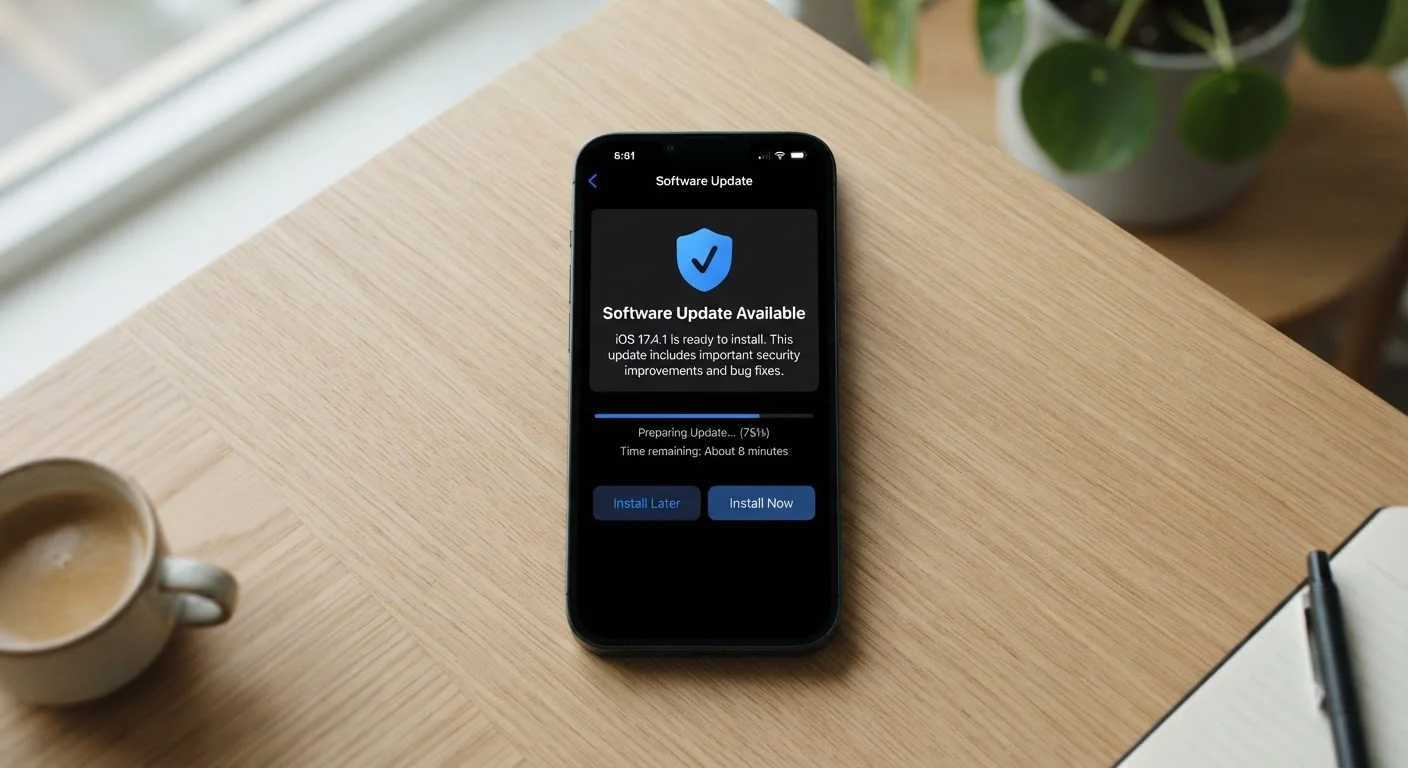
Photo credit: AdvisorHQ.net | Informative Website
In this article
Why updates matter, what they change, how to manage them, and what happens when your phone stops receiving them — all in one place.
Key Takeaways
- Mobile OS updates include security patches, bug fixes, and new features - not just cosmetic changes.
- Security patches are the most time-sensitive updates; delaying them leaves known vulnerabilities open.
- Scheduling updates overnight avoids interruptions while keeping your phone current.
- Phones typically receive OS updates for two to five years depending on the manufacturer.
- When a phone reaches end-of-support, it is still functional but becomes progressively less secure.
What a Mobile OS Update Actually Is
Your phone runs on an operating system (OS) - the foundational software that controls everything from how apps open to how the touchscreen responds. On iPhones, that OS is iOS. On most other smartphones sold in the U.S., it is Android. A mobile OS update is a package of changes delivered over the internet that replaces or modifies parts of this core software.
Think of it the way a building gets renovations: the walls stay in place, but plumbing, wiring, or fixtures get upgraded. You may notice visible changes - a redesigned settings menu or a new camera feature - but most of what changes is invisible, happening deep in the system code. Understanding this distinction helps explain why updates are recommended even when nothing seems broken.
For a broader look at what actually happens inside your device during this process, see what happens during a software update and why keeping your system current matters.
Types of Updates: OS, Security, and App
Not every update on your phone is the same. Knowing the difference helps you prioritize.
- Major OS updates introduce a new version of the operating system - for example, moving from iOS 16 to iOS 17, or Android 13 to Android 14. These are the most visible, often adding new features, changing the interface, or adjusting how your phone handles tasks.
- Security patches are smaller, more frequent updates that fix specific vulnerabilities - gaps that could allow malicious software or unauthorized access. Google releases Android security patches monthly; Apple distributes security fixes on a rolling basis. These may not add any noticeable features, but they are among the most important updates you can install.
- App updates are separate from the OS and come through the App Store or Google Play. Individual apps update independently. A phone can have a current OS but outdated apps, or vice versa - both matter for security and performance.
Monthly
Frequency of Android security patches
Google publishes Android Security Bulletins on a monthly schedule, addressing newly identified vulnerabilities.
5-6 years
Typical iPhone software support lifespan
Apple has generally continued delivering iOS updates to iPhone models for five to six years after their original release.
~40%
Android devices running an older OS version
Android fragmentation means a significant share of active Android devices run versions that are one or more major releases behind current.
For a connected look at habits that protect your phone beyond updates, see smartphone security habits that actually work.
Why Skipping Updates Is a Real Risk
When a security vulnerability is discovered, the manufacturer pushes a patch. The moment that patch is released publicly, the vulnerability it fixes is essentially documented - meaning people with bad intentions can see exactly what gap existed in older software. Phones that haven't installed the patch remain exposed to that known weakness.
This is why security researchers consistently describe delayed patching as one of the most common and avoidable risk factors in consumer device security. It's not theoretical - malware and phishing tools are routinely built around known, unpatched flaws in mobile software.
Security Patches Are Time-Sensitive
Once a security patch is publicly released, the vulnerability it addresses is effectively documented in the open. Devices that haven't installed the patch are exposed to a known, documented weakness - not just a theoretical one. Prioritize security updates even when you delay larger feature upgrades.
Beyond security, skipping updates can also mean missing out on bug fixes that affect call quality, battery behavior, and app compatibility. Some apps eventually require a minimum OS version and stop working on older releases.
For related habits that keep your phone protected, review these smartphone security practices.
How to Manage Updates Without Disruption
The most common reason people delay updates is inconvenience - the update asks to restart the phone at an inopportune moment. Here are practical ways to stay current without disruption.
- Schedule updates overnight. Both iOS and Android allow you to set updates to install automatically during a scheduled window (typically while charging). On iPhone: Settings → General → Software Update → Automatic Updates. On Android: Settings → System → System Update, though exact paths vary by manufacturer.
- Update over Wi-Fi. Major updates are large files and should not be downloaded over mobile data unless necessary. Make sure your phone is on a trusted Wi-Fi network before installing. For help understanding when to use Wi-Fi versus mobile data, see this plain-English guide to Wi-Fi and mobile data.
- Ensure enough storage. Updates require free space to download and expand. If your phone's storage is consistently full, updates may fail silently. Learn what fills up phone storage and how to reclaim space.
- Back up first. Major OS updates are generally reliable, but backing up your data before a big version upgrade is a sensible precaution.
Enable automatic updates and plug your phone in overnight - that combination means you'll almost never have to think about updates manually.
Most OS update failures happen because the phone ran out of battery or storage mid-install. Charging overnight and keeping storage clear removes both obstacles.
Don't confuse 'checking for updates' with 'having no updates' - some carrier-sold Android phones receive patches on a delay because carriers test updates before pushing them.
Android updates pass through both the device manufacturer and, in many cases, the mobile carrier before reaching your phone, which can add days or weeks to the rollout timeline.
When Your Phone Stops Getting Updates
Every phone has a support lifespan - a period during which the manufacturer commits to delivering OS and security updates. Once that window closes, the phone is described as having reached end of support. It doesn't stop working, but it will no longer receive patches for newly discovered vulnerabilities.
Support timelines vary significantly. Some Android manufacturers have historically offered two to three years of major OS updates and three to four years of security patches, though some now offer longer commitments. Apple has generally supported iPhones for five to six years from release.
Using an unsupported phone isn't automatically dangerous, but the risk profile does increase over time. Practical steps when your phone nears or reaches end of support:
- Avoid storing sensitive information like financial credentials on the device.
- Be more selective about app permissions and downloads.
- Consider whether the device's overall condition and support status make an upgrade worthwhile.
If you do decide to move to a new device, switching phones without losing your data is more straightforward than most people expect. And once you're on a current device, exploring settings most people never change can further improve privacy and battery life.

Author
Tech & Gadgets Editorial Team
Tech & Gadgets Editorial Team is the collective byline for our editorial team and contributor network. Articles published under this byline or an editorial pen name are researched, written, and reviewed according to our editorial standards for clarity, consistency, and independence before publication.
View all articles →