Search
Enter at least 3 characters
Clear explainers on laptops, desktops, and everyday software tools.
Updated daily · 16 stories

By Tech & Gadgets Editorial Team · 6 min read
Portability, performance, repairability — desktops and laptops make different trade-offs. Here is a clear comparison to …
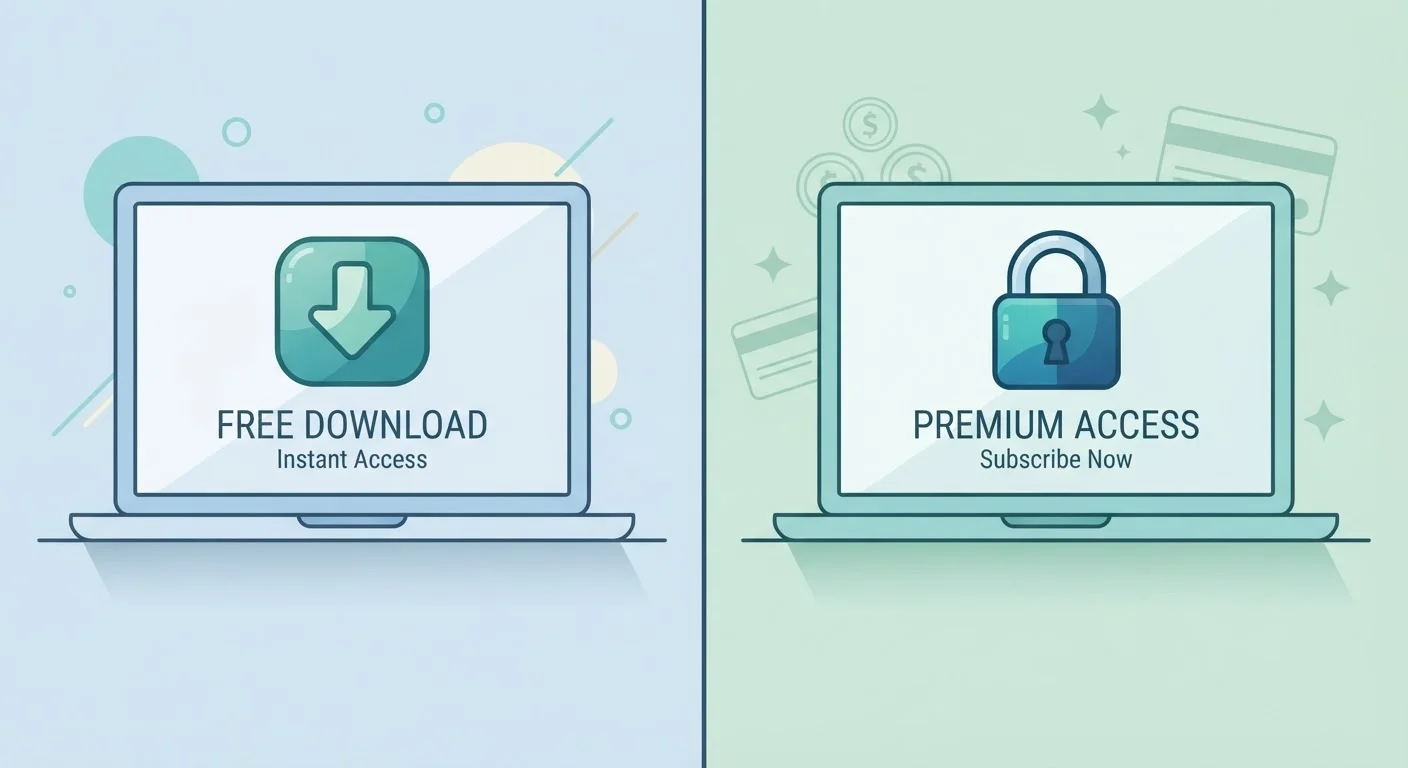
Free software is not always inferior, and paid software is not always worth the cost. A clear look at the real trade-off…
Everyday routines — charging practices, ventilation, software clutter — can wear out a laptop faster than most people re…
Strong computer security does not require technical expertise. These straightforward practices cover the most important …
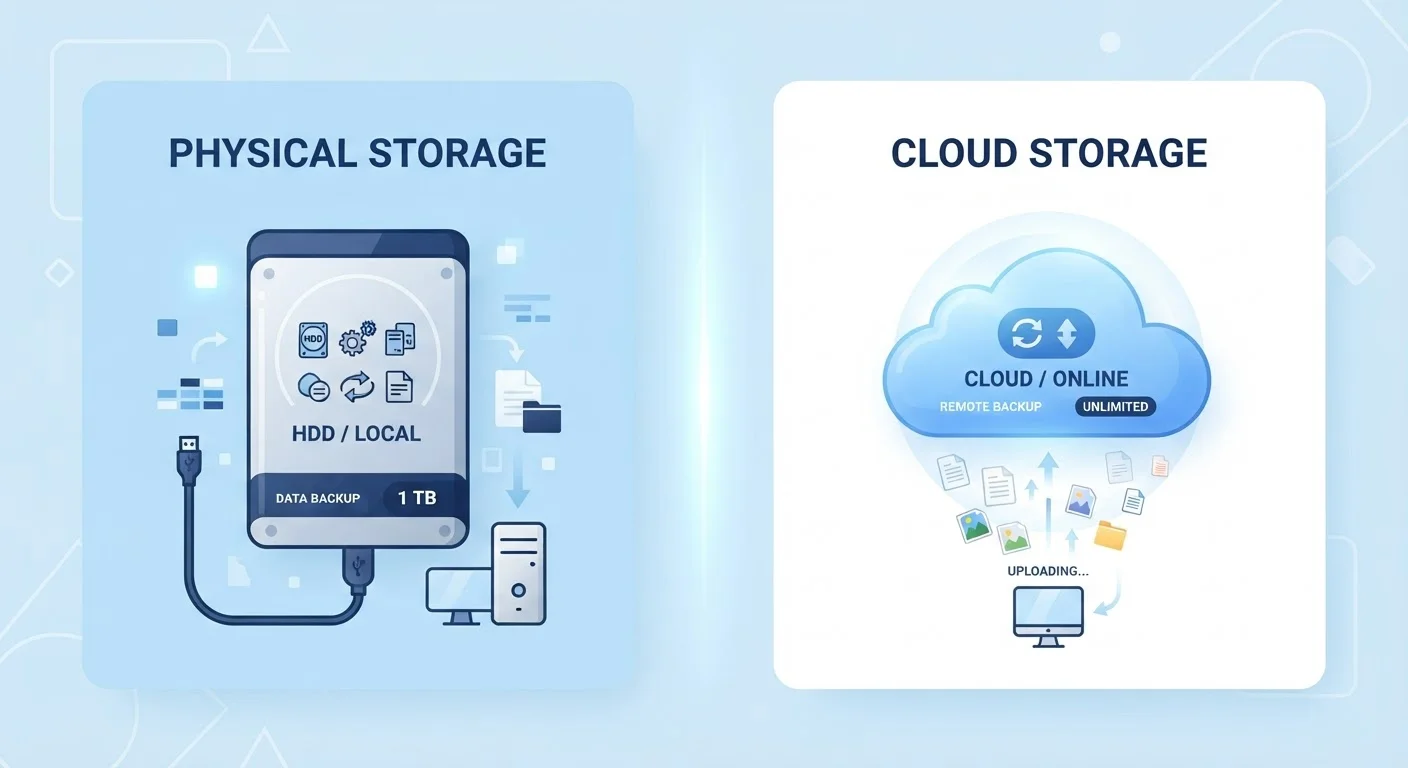
Use this straightforward checklist to make sure your important documents, photos, and data are backed up and recoverable…
A practical reference of the keyboard shortcuts that come up most often — across Windows, Mac, browsers, and common offi…
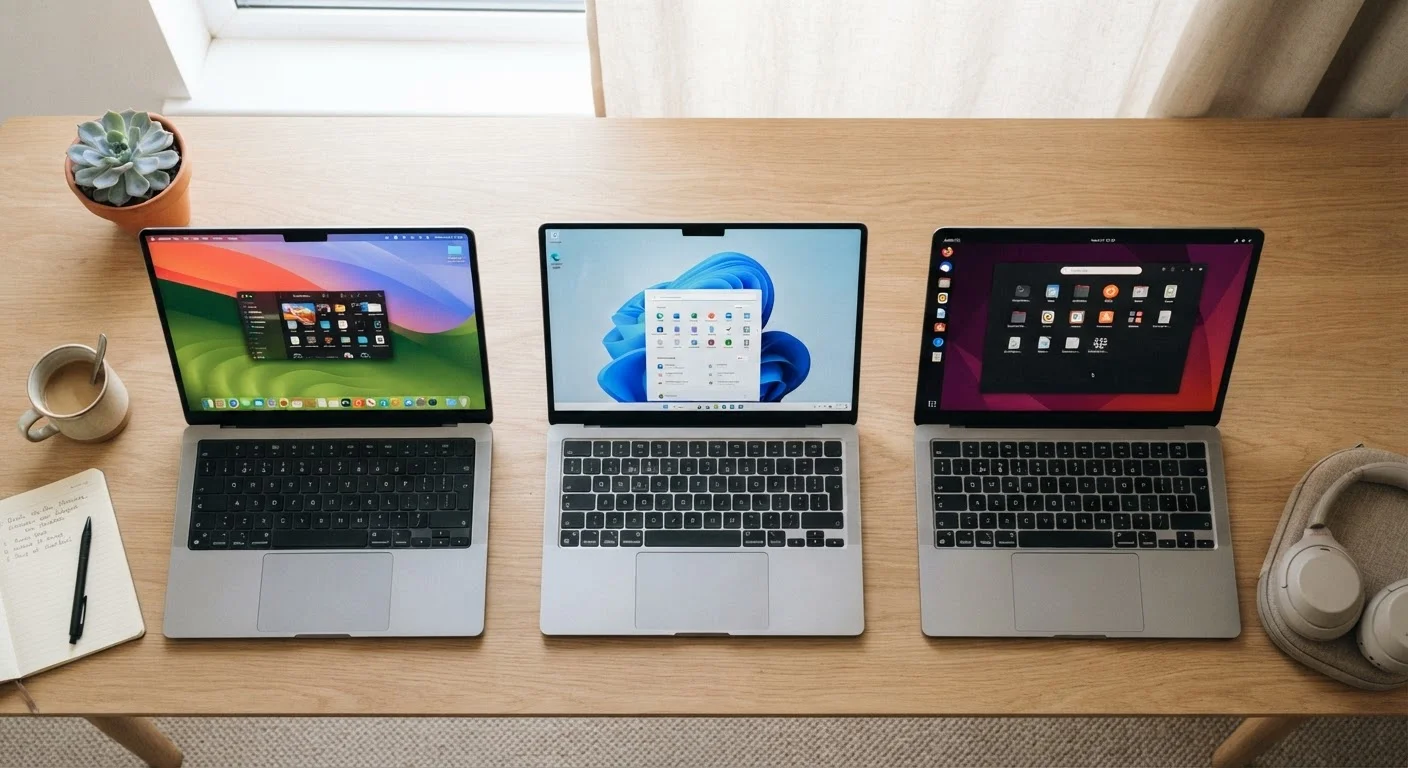
Not sure which operating system fits your needs? This side-by-side look covers usability, software availability, and eve…
Password managers sound complex but work on a simple idea. Learn what they actually do and why they are considered good …
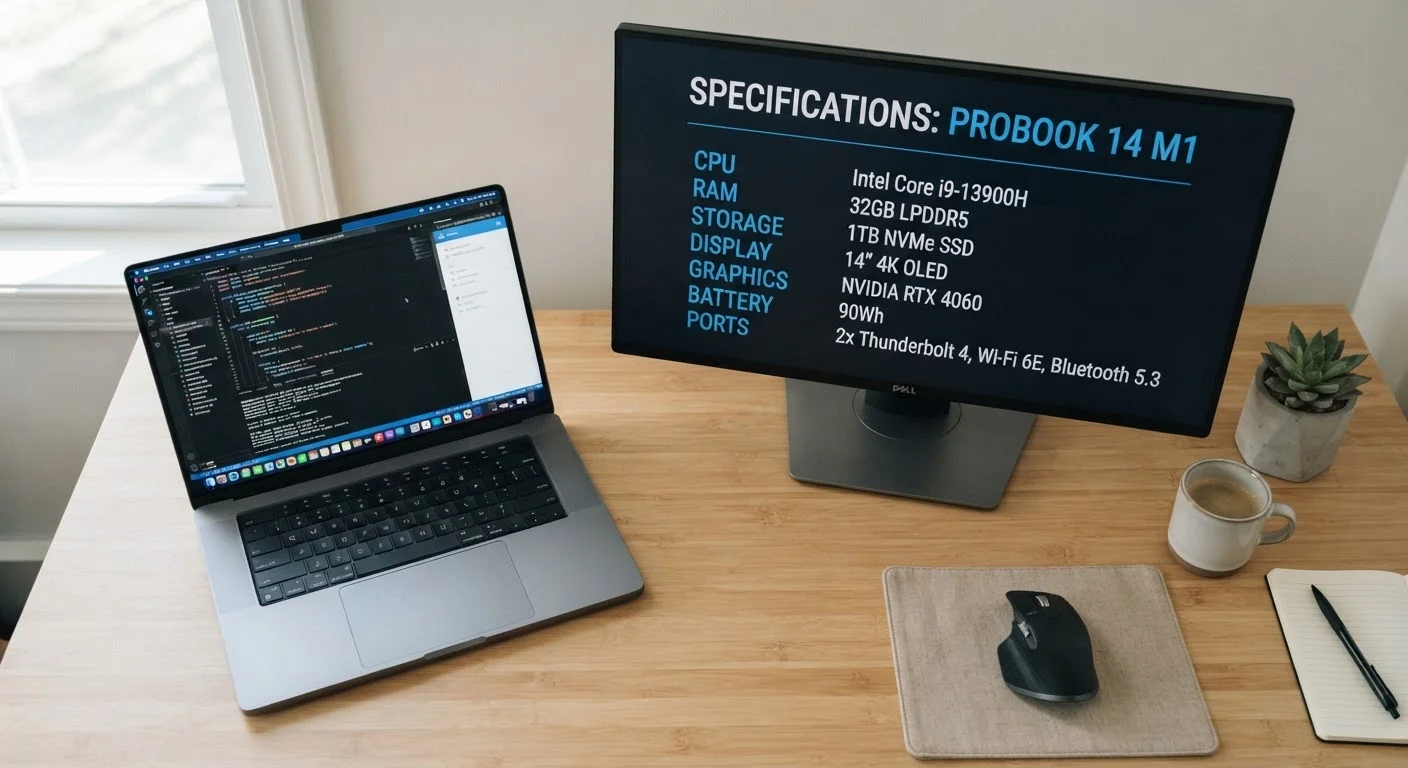
Confused by laptop specs? Learn what RAM, storage, and CPU speed mean in plain English so you can understand what a comp…
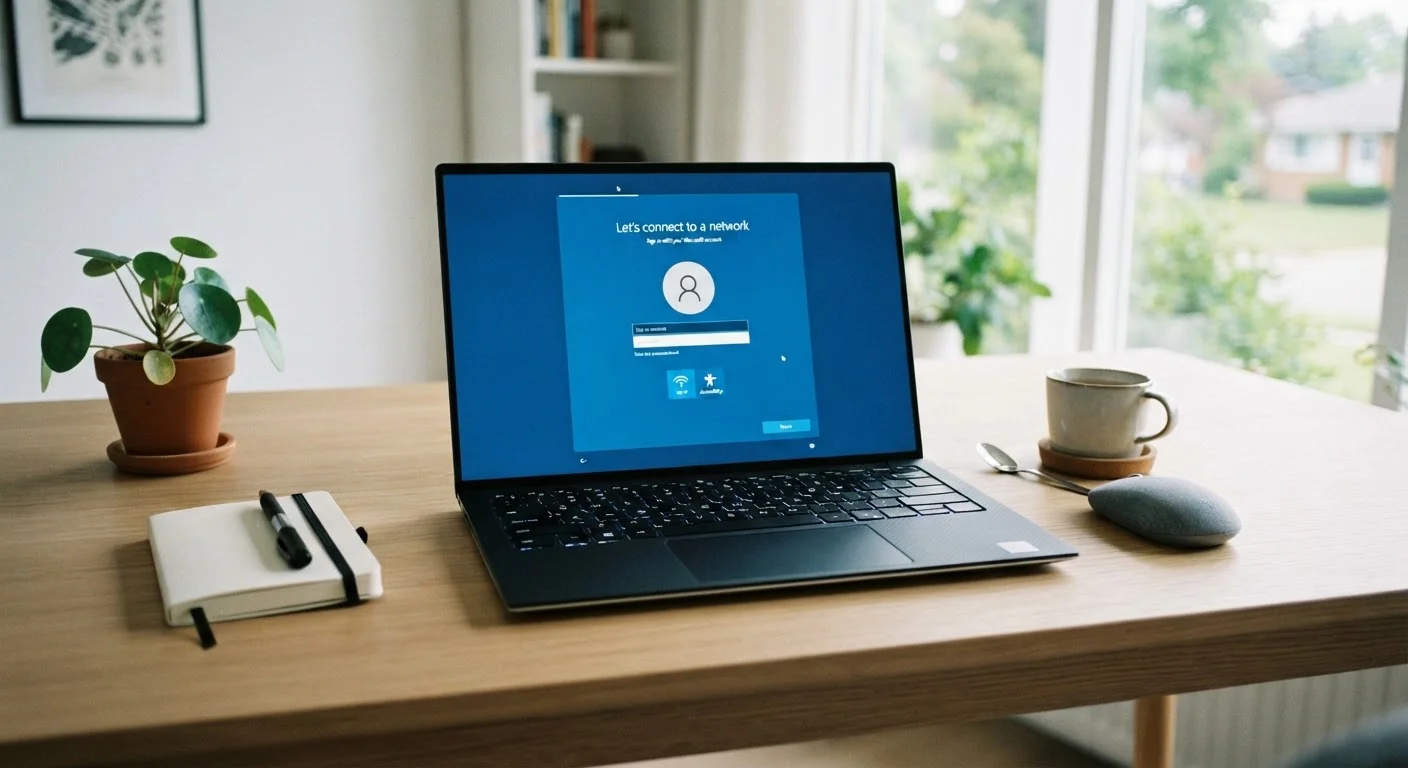
From first boot to everyday use, here is a clear walkthrough of everything worth doing when you get a new Windows comput…
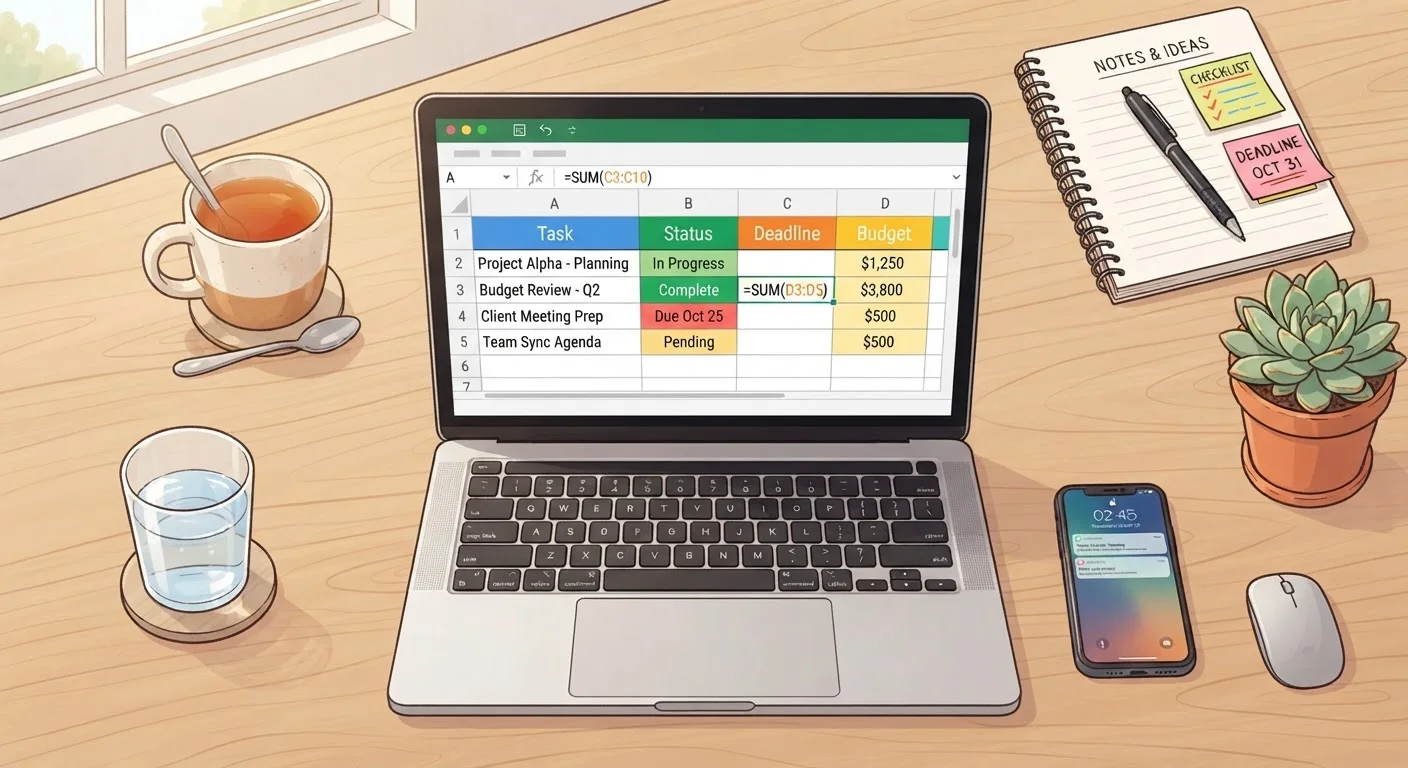
You do not need an accounting background to use spreadsheets confidently. This beginner-friendly guide covers the core i…
Many widely held beliefs about malware and viruses are outdated or just wrong. Get the accurate picture so you can actua…
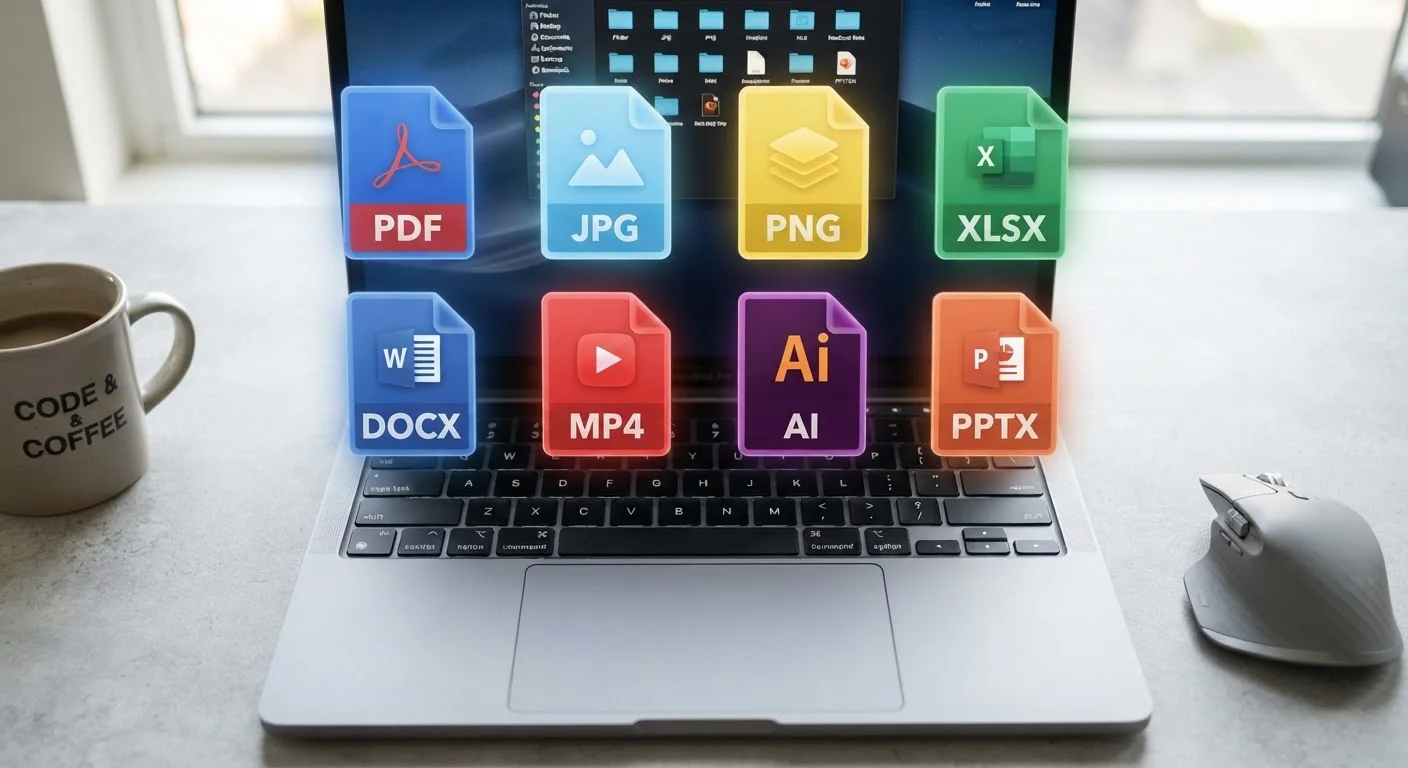
DOCX, PDF, JPG, MP4 — file formats can be baffling. This guide explains what they are, why they differ, and when each on…
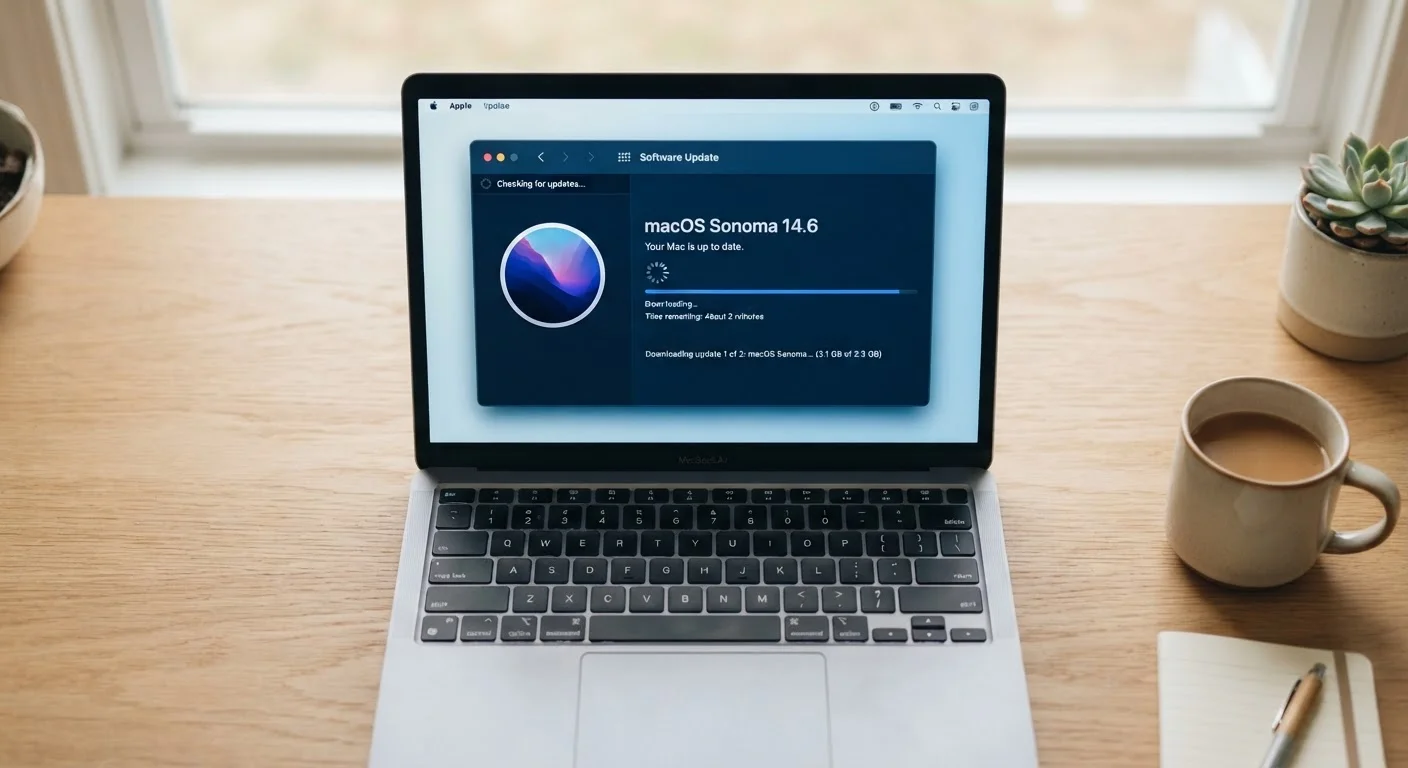
Software updates do much more than add features. Learn what is actually being changed and why keeping your system curren…
A slow PC is frustrating but rarely a mystery. Explore the most common reasons computers lose speed and what each cause …