
Free vs. Paid Software: What You Actually Give Up on Either Side
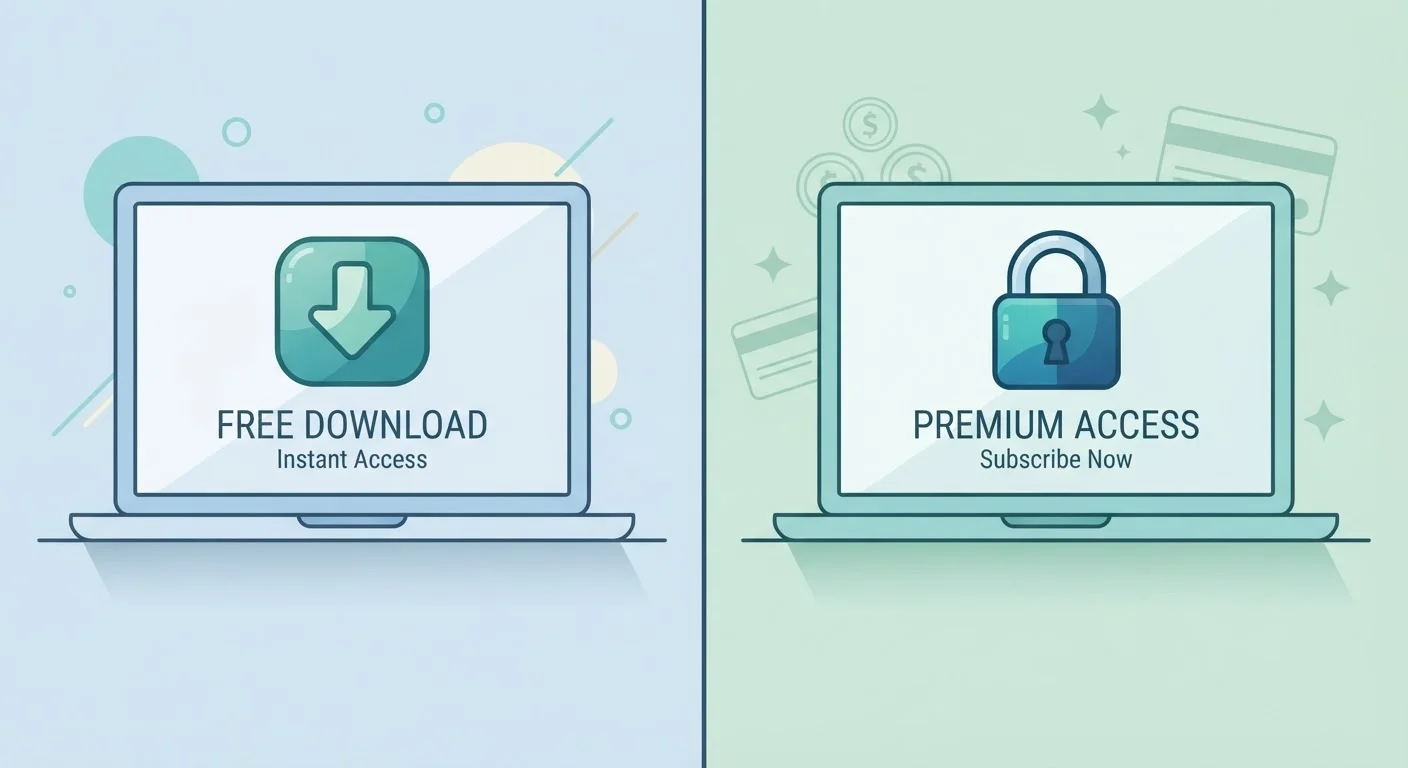
Photo credit: AdvisorHQ.net | Informative Website
In this article
Free software is not always inferior, and paid software is not always worth the cost. A clear look at the real trade-offs between the two.
Key Takeaways
- Free software can be fully capable for everyday tasks, but often comes with limitations or data trade-offs.
- Paid software typically offers better support, security updates, and more complete feature sets.
- The right choice depends on how intensively you use a program and what you're willing to exchange.
- Many paid tools offer free tiers - understanding the difference helps you avoid paying for features you don't need.
Zero upfront cost lowers the barrier to entry
Free tools let you try software before deciding it's worth paying for, which is especially useful when exploring a new skill or workflow.
Open-source tools can match paid competitors
Applications like GIMP for image editing or LibreOffice for documents offer feature sets that cover the needs of most everyday users without any cost.
No subscription lock-in or recurring charges
Free software won't drain your budget monthly, which matters if you're juggling multiple tools or managing a tight household budget.
Large user communities provide informal support
Popular free tools often have active forums and tutorial libraries where common questions are already answered in detail.
Data collection may be the hidden price
Many free apps generate revenue by collecting usage data or serving targeted ads, which is a trade-off users don't always consciously agree to.
Key features are often locked behind upgrades
Free tiers are frequently designed to demonstrate value while withholding the tools most users actually need, nudging you toward a paid plan.
Security updates may be slow or inconsistent
Without a revenue stream, some free tools lag on patching known vulnerabilities, leaving users exposed longer than with commercially maintained software.
Little to no dedicated customer support
When something goes wrong, free software typically offers community forums at best - not a help desk you can contact directly or promptly.
What 'Free' Actually Means in Software
When software costs nothing to download, something else is usually covering that cost. Understanding the model behind free software helps you figure out what you're actually agreeing to.
Some free software is genuinely open-source - meaning volunteers or organizations maintain it because they believe in the mission. Tools like LibreOffice and VLC fall into this category. Others are free because they're funded by advertising, or because the company collects and monetizes user data. Still others are free versions of paid products, intentionally limited to push you toward an upgrade.
None of these models is inherently bad, but they're very different. An ad-supported app might be fine for casual use. A data-collecting tool might give you pause if you're handling sensitive information. Knowing which model applies helps you make a genuinely informed choice.
Freemium Is Its Own Category
Many popular apps - including cloud storage services and project management tools - use a "freemium" model, where the core product is free but advanced features require payment. This is neither fully free nor fully paid software. When evaluating a freemium tool, check specifically which features sit behind the paywall before assuming the free version will meet your needs long-term.
The Real Pros of Free Software
Free software has earned its place on millions of computers for good reasons - not just because it costs nothing.
Zero upfront cost lowers the barrier to entry
Free tools let you try software before deciding it's worth paying for, which is especially useful when exploring a new skill or workflow.
Open-source tools can match paid competitors
Applications like GIMP for image editing or LibreOffice for documents offer feature sets that cover the needs of most everyday users without any cost.
No subscription lock-in or recurring charges
Free software won't drain your budget monthly, which matters if you're juggling multiple tools or managing a tight household budget.
Large user communities provide informal support
Popular free tools often have active forums and tutorial libraries where common questions are already answered in detail.
For students, hobbyists, and anyone with straightforward needs, free tools often do exactly what's required. The open-source community in particular has produced remarkably capable software that rivals paid alternatives in many categories, from image editing to video playback to office productivity.
Where Free Software Falls Short
The limitations of free software aren't always obvious up front, which is where users tend to get caught off guard.
Data collection may be the hidden price
Many free apps generate revenue by collecting usage data or serving targeted ads, which is a trade-off users don't always consciously agree to.
Key features are often locked behind upgrades
Free tiers are frequently designed to demonstrate value while withholding the tools most users actually need, nudging you toward a paid plan.
Security updates may be slow or inconsistent
Without a revenue stream, some free tools lag on patching known vulnerabilities, leaving users exposed longer than with commercially maintained software.
Little to no dedicated customer support
When something goes wrong, free software typically offers community forums at best - not a help desk you can contact directly or promptly.
Support is often the biggest gap. When something breaks or you can't figure out a feature, free tools usually point you to community forums rather than a help desk. For a business or someone on a deadline, that lag can be costly. Security is another concern - free tools, especially obscure ones, may not receive timely patches when vulnerabilities are discovered.
What Paid Software Delivers - and What It Doesn't
Paying for software typically buys you accountability. Companies that charge for their products have financial incentive to maintain them, fix bugs, and support their users. That's a meaningful difference when you depend on a tool daily.
73%
Adults who use at least one free app daily
According to general estimates from digital usage research, the vast majority of everyday computer users rely on at least one free software tool regularly.
~$40/mo
Average U.S. household software subscription spend
Consumer spending analyses suggest American households spend roughly this amount across productivity, security, and entertainment software subscriptions combined.
Paid software also tends to integrate better across devices and platforms, and subscription models often include cloud storage, automatic backups, and cross-device syncing that free tools leave to you to figure out. That said, paid doesn't automatically mean better. Some paid tools are overpriced for what they offer, and subscription fatigue - the frustration of paying monthly for multiple apps - is a real concern for household budgets. Just as streaming versus cable involves weighing ongoing costs against what you actually watch, software subscriptions deserve the same scrutiny before you commit.
It's also worth noting that paying doesn't guarantee privacy. Some paid platforms still collect behavioral data, so reading the privacy policy remains important regardless of price.
How to Decide What's Right for You
The most practical question isn't "free or paid?" - it's "what do I actually need this software to do?"
Start by listing the specific tasks you need the tool to handle. If a free option covers all of them reliably, there's no compelling reason to pay. If you find yourself running into the same limitation repeatedly - a file export that's locked behind a paywall, a feature that requires a subscription, or support you can't get - that's a signal the free version is costing you in a different way.
Consider the context too. For a small business, the cost of downtime or a security breach likely outweighs a software subscription fee. For a student writing occasional papers, a free word processor may be entirely sufficient. Much like evaluating the honest trade-offs of strict budgeting, the goal is honest self-assessment rather than defaulting to either extreme.
When in doubt, use the free tier first. Most paid products offer enough access to tell you whether the upgrade is worth it before you hand over your credit card.

Author
Tech & Gadgets Editorial Team
Tech & Gadgets Editorial Team is the collective byline for our editorial team and contributor network. Articles published under this byline or an editorial pen name are researched, written, and reviewed according to our editorial standards for clarity, consistency, and independence before publication.
View all articles →