
Phone Screen Sizes, Resolutions, and Refresh Rates - Decoded
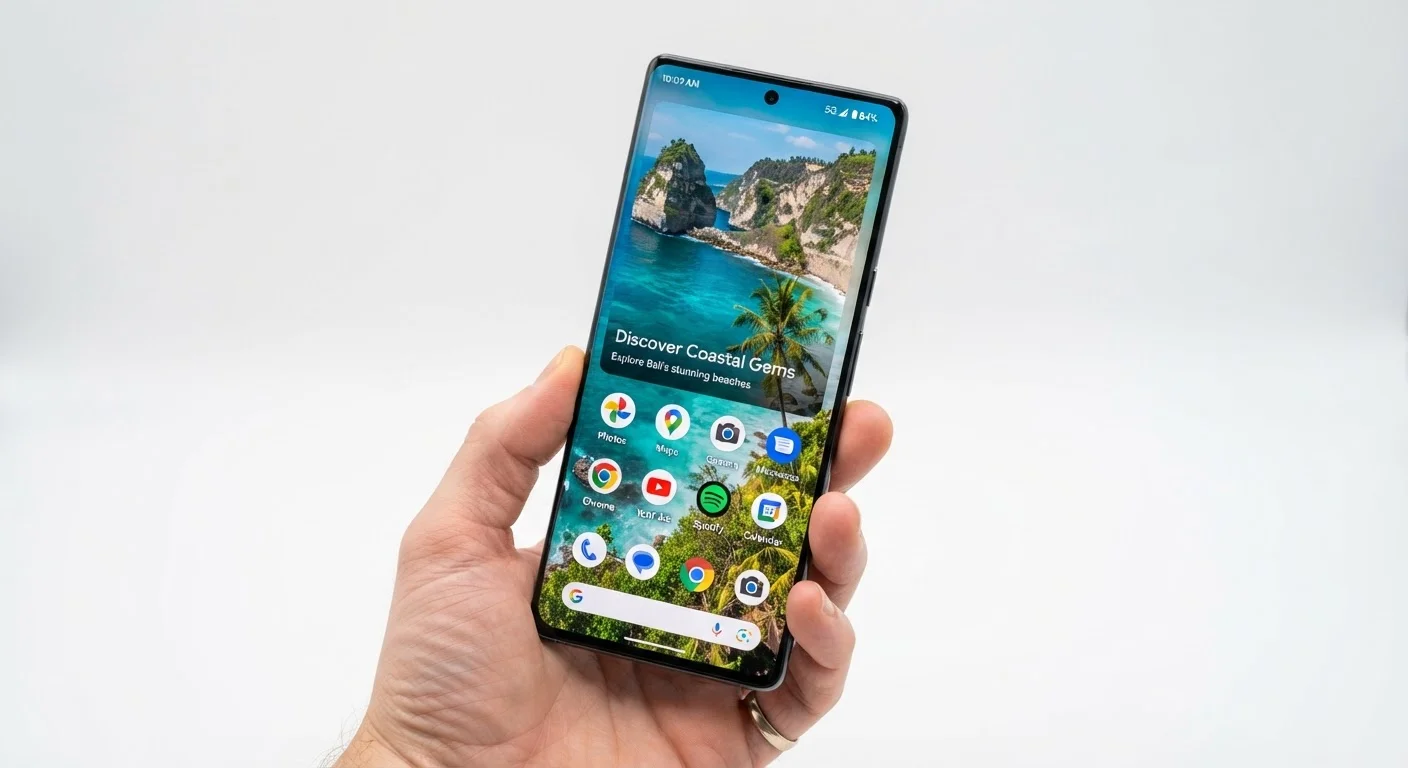
Photo credit: AdvisorHQ.net | Informative Website
In this article
A reference guide to display specs like resolution, refresh rate, and nits — and what each one means for your viewing experience.
Screen Size and What It Actually Affects
Phone screen size is measured diagonally in inches - from one corner of the display to the opposite corner. Most modern smartphones fall between 5.5 and 6.9 inches. But size alone doesn't tell you much about quality.
A larger screen gives you more viewing area for video, reading, and multitasking. The tradeoff is a phone that's harder to use one-handed and less pocketable. Smaller screens, meanwhile, can feel more manageable but may make reading fine text or watching video less comfortable for extended periods.
What matters more than raw size is how resolution and pixel density interact with it - covered below.
| Common screen sizes | 5.5" to 6.9" (diagonal) (General industry range for modern smartphones) |
| Standard resolution tier | Full HD+ (1080×2400) (Widely used mid-range display resolution) |
| High refresh rate threshold | 90 Hz and above (Generally considered high refresh rate for phones) |
| Typical outdoor brightness | 800-2,000+ nits (Range across mid-range and flagship displays) |
| Minimum comfortable PPI | ~300 PPI (Below this, individual pixels may be visible at arm's length) |
| Standard refresh rate | 60 Hz (Default for most entry-level and budget phones) |
Resolution and Pixel Density - The Sharpness Story
Resolution describes the grid of pixels on your screen - for example, 1080×2400 means 1,080 pixels across and 2,400 pixels tall. More pixels generally mean finer detail. Common tiers include:
- HD+ (720×1600): Entry-level; adequate for basic use but text and images may look slightly soft.
- Full HD+ (1080×2400): The sweet spot for most users - sharp, smooth, and widely available.
- QHD+ (1440×3200): Found on some premium devices; the improvement over FHD+ is subtle at arm's length.
Pixel density (PPI) ties resolution to screen size. Two phones can share the same resolution but deliver different apparent sharpness if their screens are different sizes. Research consistently suggests that most people can't perceive improvements beyond roughly 300 PPI at normal viewing distances - so chasing ultra-high resolution has diminishing real-world returns.
Bigger Screen ≠ Sharper Screen
A 6.7-inch phone with Full HD+ resolution can look less sharp than a 6.1-inch phone with the same resolution, because the pixels are spread over a larger area. Always check pixel density (PPI) alongside raw resolution - it tells you more about actual sharpness than resolution alone.
Just as camera numbers can mislead - see our guide to camera specs that don't tell the whole story - display resolution requires context to be meaningful.
Refresh Rate, Brightness, and Panel Type
Refresh rate determines how smoothly motion appears. At 60 Hz, the screen updates 60 times per second - fine for everyday use. At 90 or 120 Hz, scrolling and animations look noticeably fluid. Some phones offer 144 Hz, though the benefit beyond 120 Hz is minimal for most content and drains battery faster.
120 Hz
Refresh rate common in flagship phones
Many mid-range and premium phones now ship with 120 Hz displays, up from the 60 Hz standard of a few years ago.
~300 PPI
Pixel density where sharpness plateaus
At typical viewing distances, most people cannot distinguish individual pixels above approximately 300 PPI.
2,000+ nits
Peak brightness on some flagship displays
Top-tier phones can reach over 2,000 nits peak brightness for HDR content and outdoor visibility.
Brightness (measured in nits) governs how readable your screen is outdoors. Mid-range phones typically reach 600-800 nits; flagships can hit 2,000+ nits for HDR content. If you spend a lot of time outdoors, brightness is a spec worth paying attention to.
Panel type matters too. OLED and AMOLED screens produce true blacks (individual pixels switch off completely) and vivid color. LCD screens are generally less power-hungry at full brightness and can look good in direct sunlight, but they can't match OLED's contrast.
For a parallel look at how specs translate (or don't) to real-world performance on laptops, our laptop specs explainer applies similar logic to RAM and processing power. And if you're evaluating a used phone, understanding screen condition is part of what our refurbished phone grading guide covers.

Author
Tech & Gadgets Editorial Team
Tech & Gadgets Editorial Team is the collective byline for our editorial team and contributor network. Articles published under this byline or an editorial pen name are researched, written, and reviewed according to our editorial standards for clarity, consistency, and independence before publication.
View all articles →