
Streaming Sticks, Boxes, and Built-In Smart TVs: How the Delivery Methods Differ
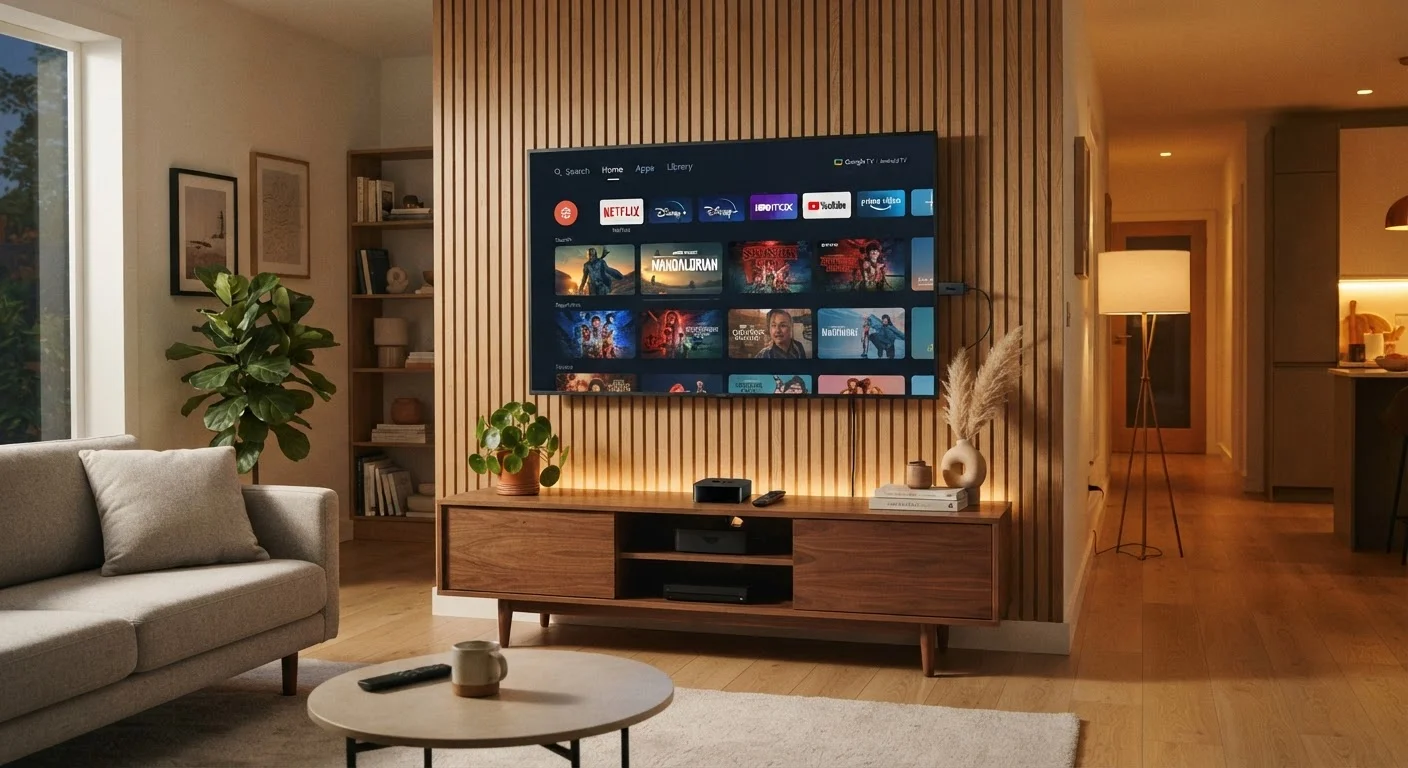
Photo credit: AdvisorHQ.net | Informative Website
In this article
Plug-in streaming sticks, standalone boxes, and native smart TV apps all work differently. Here's what sets them apart in practical use.
Key Takeaways
- Streaming sticks plug directly into an HDMI port and are powered by USB, making them portable and low-cost.
- Standalone streaming boxes typically offer more processing power and storage than sticks or built-in smart TV systems.
- Built-in smart TV platforms are convenient but may receive software updates less reliably than dedicated devices.
- All three methods require a stable home Wi-Fi connection to perform well.
- Choosing the right delivery method depends on your TV's age, your budget, and how often you add new apps.
What Each Delivery Method Actually Does
When you stream a show, video data travels over your internet connection and gets decoded by a small computer before it appears on screen. The question is: where does that small computer live? That's what separates the three main delivery methods.
Built-in smart TV platforms put the streaming hardware directly inside the television itself. When you press the home button on your remote, you're launching an operating system - like a TV-specific version of Android or a proprietary platform - that runs entirely within the set.
Streaming sticks (sometimes called dongle-style devices) are small, thumb-drive-shaped units that plug into any open HDMI port. They draw power from a USB port on the TV or a wall adapter and run their own self-contained software independently of the television's built-in system.
Streaming boxes are larger, standalone units that sit near your TV, connect via HDMI, and typically plug into a wall outlet for power. They contain more processing chips and storage than sticks, running the same type of streaming software but with extra headroom.
For a deeper look at how networks support all three, see our home network readiness checklist before choosing a device.
How They Compare Across Key Criteria
The differences become clearer when you stack them side by side. Each approach makes real trade-offs around setup ease, long-term software support, portability, and performance.
| Built-In Smart TV | Streaming Stick | Streaming Box | |
|---|---|---|---|
| Setup complexity | Minimal - no extra hardware | Low - plug into HDMI port | Moderate - external power required |
| Portability | None - fixed to the TV | High - fits in a pocket | Low - desk-bound unit |
| Processing power | Limited, varies by TV age | Moderate for most apps | Highest of the three |
| Software update reliability | Tied to TV manufacturer | Regular, independent updates | Regular, independent updates |
| Works on older TVs | No - TV must have it built in | Yes - any TV with HDMI | Yes - any TV with HDMI |
| Typical cost to add | Included in TV purchase | Lower upfront cost | Higher upfront cost |
| Remote control | TV remote handles all | Dedicated remote included | Dedicated remote included |
One point worth highlighting: software update frequency matters more than most buyers realize. Dedicated streaming devices - sticks and boxes alike - tend to receive platform updates on a faster cycle than the firmware built into televisions, where manufacturers may slow or stop updates a few years after a TV ships.
Built-In Smart TV Platforms: The Convenience Trade-Off
The appeal of a built-in smart TV is obvious - you turn it on and your apps are already there. There's no extra remote to keep track of and no separate device to set up. For households that primarily use two or three major streaming services and bought a TV within the last three or four years, this is often entirely sufficient.
The limitation is that your streaming experience is tied to the TV manufacturer's update schedule. Older smart TVs may no longer receive new app versions, which can mean a streaming app stops working or loses features over time. The built-in processor also tends to be less powerful than a dedicated streaming box, which can show up as slower menu navigation or longer load times on more complex app interfaces.
Check Your TV's Software Version Before Assuming It's Up to Date
Most smart TVs have a software version screen buried in the settings menu. Before relying on your TV's built-in apps, navigate there and check whether the manufacturer still issues updates for your model. If updates stopped more than two years ago, a streaming stick is often the more future-proof option - even on a relatively new television.
Streaming Sticks and Boxes: When a Dedicated Device Makes Sense
Plugging a streaming stick into an older TV is the most straightforward way to modernize it without replacing the screen itself. Because the stick runs its own operating system, your TV's age and built-in software become largely irrelevant - the stick takes over completely.
Sticks are also genuinely portable. Unplug one from your living room TV, drop it in a bag, and use it in a hotel room or at a relative's house. That flexibility is something neither a box nor a built-in system can match.
Boxes offer the most processing power of the three, which matters most in specific scenarios: running many apps simultaneously, playing locally stored video files, or using the device for light gaming. They also tend to have physical storage options or USB ports for connecting external drives - features sticks rarely include.
If you're new to setting up any streaming device, our first-time streaming setup guide walks through the process in plain language. And if you're still deciding whether streaming is the right move for your household at all, our comparison of streaming versus cable covers what each approach genuinely does and doesn't offer.

Author
Tech & Gadgets Editorial Team
Tech & Gadgets Editorial Team is the collective byline for our editorial team and contributor network. Articles published under this byline or an editorial pen name are researched, written, and reviewed according to our editorial standards for clarity, consistency, and independence before publication.
View all articles →