
Why Your Smart Home Devices Keep Dropping Off the Network
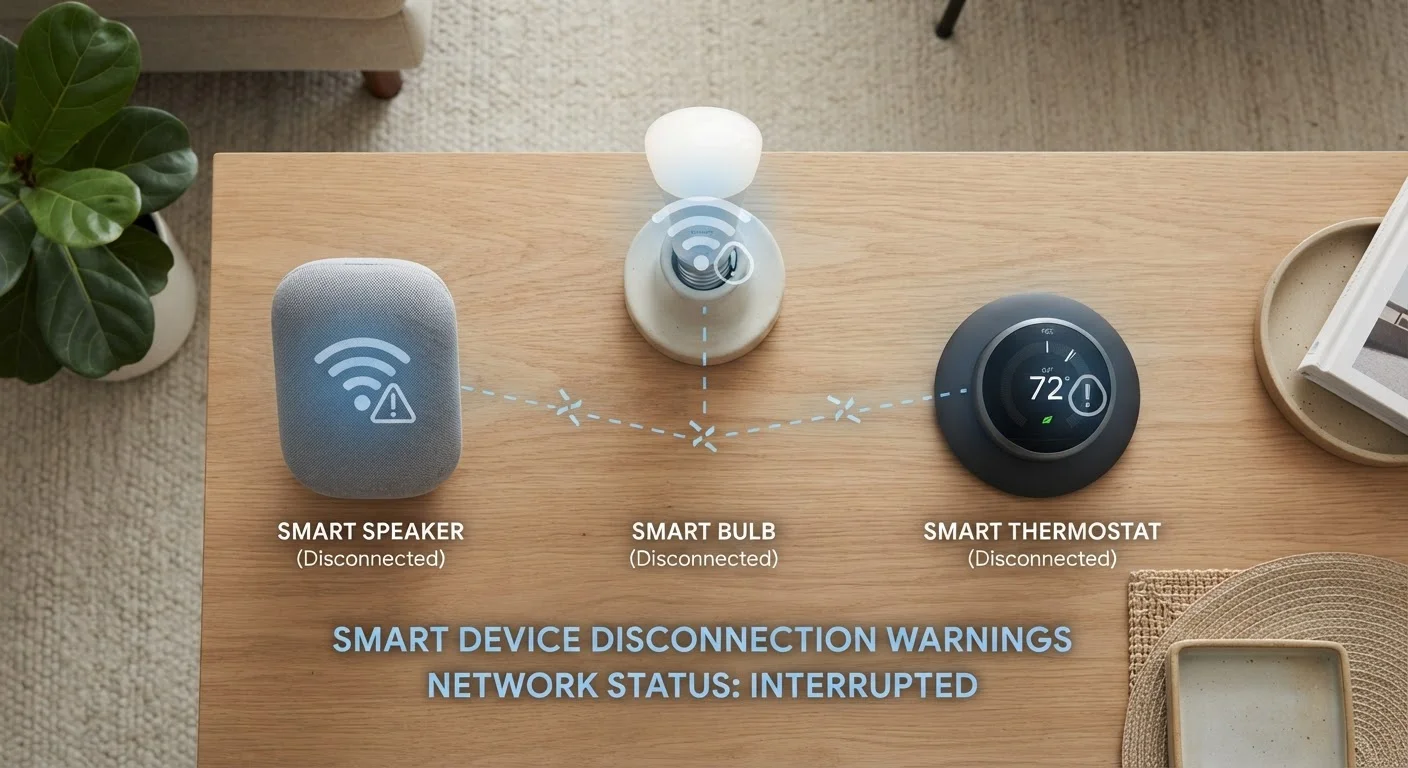
Photo credit: AdvisorHQ.net | Informative Website
In this article
Frequent disconnections are one of the most common smart home frustrations. Learn what causes them and how to build a more stable setup.
Key Takeaways
- Most smart home disconnections trace back to a handful of fixable network and placement errors.
- Overcrowded Wi-Fi channels and weak signals are the leading causes of unstable device connections.
- Mixing incompatible wireless protocols or hubs is a common but overlooked source of dropouts.
- A simple network audit can resolve most recurring disconnection problems without replacing devices.
Why Smart Home Devices Lose Their Connection
Few things are more aggravating than asking your smart speaker to turn off the lights - and getting silence because the bulb has dropped off the network again. The good news is that recurring disconnections are almost never a sign that your devices are broken. They're almost always a sign that something about the network setup isn't quite right.
Smart home gadgets are more sensitive to network conditions than a laptop or phone. They tend to run on low-power radios, connect to specific frequency bands, and rely on a steady, low-latency signal to respond quickly. When those conditions aren't met, dropouts follow. Understanding how smart devices communicate is the first step toward keeping them online reliably.
Placing the router too far from smart devices, causing weak signal strength.
Why it happens: People position routers for their own convenience - near a cable outlet or in a closet - without thinking about coverage across the whole home.
Connecting too many devices to a single router without accounting for its connection limit.
Why it happens: Consumer routers have a practical ceiling for simultaneous connections, and smart home devices - bulbs, plugs, sensors - add up fast without feeling like a "real" load.
Ignoring Wi-Fi channel congestion in dense neighborhoods or apartment buildings.
Why it happens: Routers default to automatic channel selection, which often lands on the same crowded channels as neighboring networks, creating interference.
Mixing incompatible wireless protocols without understanding how they interact.
Why it happens: Shoppers often mix devices from different ecosystems - one that uses Wi-Fi, another that uses Zigbee - without realizing each protocol may need its own hub or bridge to function.
Failing to keep router firmware and device software up to date.
Why it happens: Firmware updates feel optional and get postponed indefinitely, but outdated software can introduce Wi-Fi instability, compatibility bugs, and security gaps.
Running smart home devices exclusively on the 5 GHz band when they work better on 2.4 GHz.
Why it happens: The 5 GHz band is faster for streaming and browsing, so it's tempting to put everything on it - but many smart devices are designed for the longer range and better wall-penetration of 2.4 GHz.
How to Build a More Stable Smart Home Network
Once you've identified which mistakes apply to your setup, fixing them is usually straightforward. Start by checking your router's admin panel - most modern routers have a connected-device list that shows signal strength and which band each device is using. If a device shows a weak signal, repositioning it or the router often solves the problem immediately.
25+
Connected devices in the average U.S. home
According to Deloitte's Digital Media Trends research, the average American household has more than 25 internet-connected devices - a figure that strains many standard consumer routers.
2.4 GHz
Band preferred by most smart home devices
The majority of smart home sensors, plugs, and bulbs are designed for the 2.4 GHz band because of its superior range and wall penetration compared to 5 GHz.
For larger homes, a mesh Wi-Fi system distributes coverage evenly and eliminates the dead zones that single routers can't reach. If you're running many devices, it's also worth doing a home network readiness check before adding more gadgets - your router may simply be at its connection limit.
Consider segmenting your smart home devices onto a dedicated network or guest Wi-Fi band. This reduces congestion, improves stability, and is also a sound security practice - you can read more in our guide on securing your smart home. Small changes like these compound quickly, and most households see dramatic improvement after just one or two adjustments.

Author
Tech & Gadgets Editorial Team
Tech & Gadgets Editorial Team is the collective byline for our editorial team and contributor network. Articles published under this byline or an editorial pen name are researched, written, and reviewed according to our editorial standards for clarity, consistency, and independence before publication.
View all articles →