
Securing Your Smart Home Against Unauthorized Access
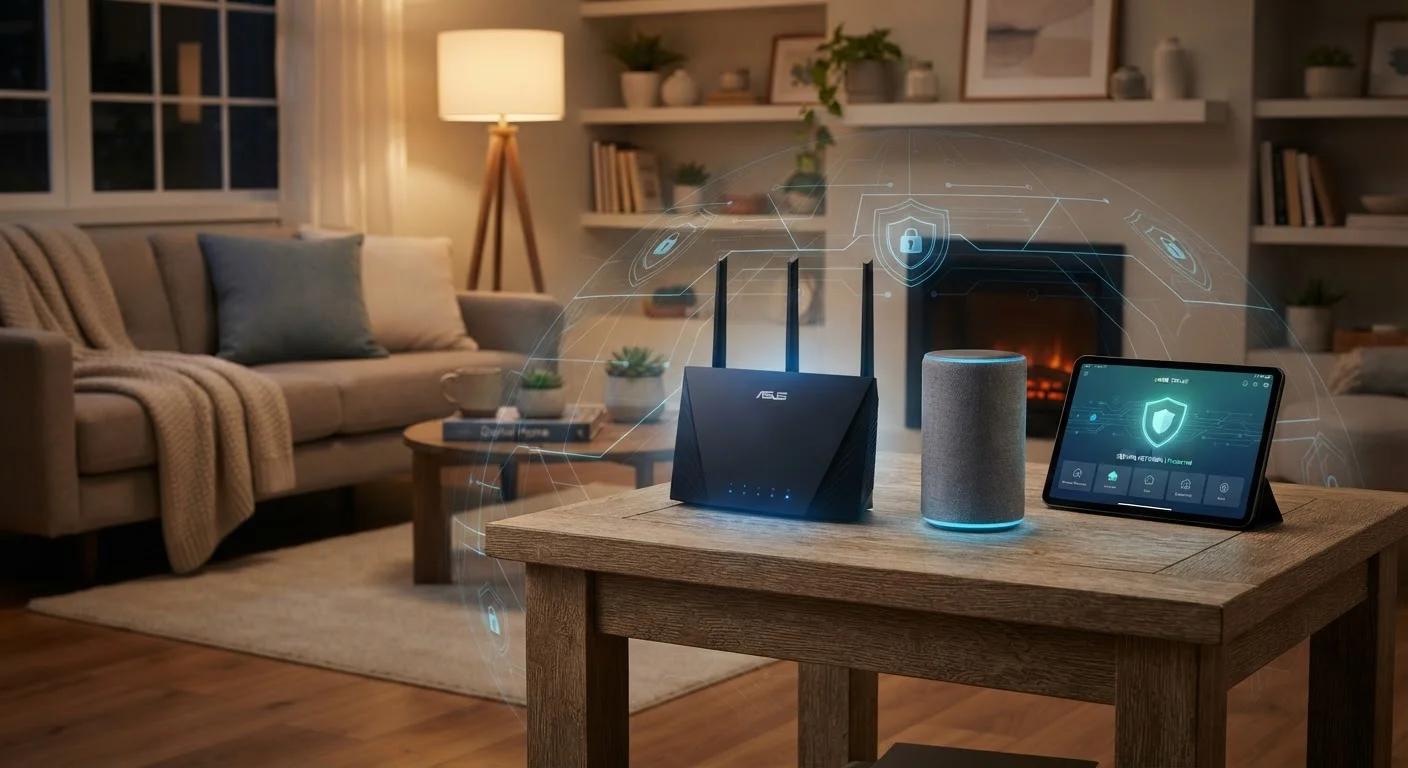
Photo credit: AdvisorHQ.net | Informative Website
In this article
Connected devices can be entry points for intrusions if left unconfigured. Learn the practical steps to lock down your smart home network.
Key Takeaways
- Default router and device passwords are a leading cause of unauthorized smart home access.
- Isolating smart devices on a separate guest or IoT network limits the damage a breach can cause.
- Firmware updates patch known security vulnerabilities and should be applied promptly.
- Two-factor authentication adds a critical layer of protection to smart home accounts.
- Auditing which devices are connected to your network regularly helps catch problems early.
Why Smart Home Security Deserves Your Attention
Smart home devices - from video doorbells and thermostats to smart bulbs and voice assistants - connect to your home Wi-Fi just like your phone or laptop. But unlike those devices, many ship with weak default settings and rarely prompt you to review security. That gap is what attackers look for.
A compromised smart device can give an outsider a foothold on your home network, potentially exposing your personal data, connected cameras, or even your computer. The good news: most risks are preventable with straightforward habits. If you're new to building out a connected home, our beginner's room-by-room guide is a helpful starting point before you dive into security.
Change default usernames and passwords on every device and router immediately after setup.
Manufacturers ship devices with generic credentials that are publicly documented and widely known. Leaving them unchanged is one of the most common ways attackers gain access to home networks without any sophisticated technique.
Create a dedicated network segment - such as a guest or IoT network - for your smart devices.
Keeping smart devices on their own network means a compromised device cannot directly reach your laptop, phone, or personal files. This containment strategy is one of the most effective ways to limit the impact of any single breach.
Enable automatic firmware updates on every smart device, or check for updates monthly if auto-update isn't available.
Firmware updates frequently patch security vulnerabilities that have been discovered since the device shipped. Delaying updates leaves known holes open for exploitation.
Enable two-factor authentication (2FA) on every smart home account that supports it.
Two-factor authentication requires a second verification step - typically a code sent to your phone - beyond just a password. Even if your password is stolen or guessed, an attacker still cannot access your account without that second factor.
Audit the list of devices connected to your router every few months and remove anything unrecognized.
Unknown devices on your network can be a sign of unauthorized access, a forgotten gadget with outdated firmware, or a neighbor who guessed your password. Regular audits help you catch and address these issues before they become serious.
Use a strong, unique Wi-Fi password and enable WPA3 or WPA2 encryption on your router.
Weak or reused Wi-Fi passwords are a straightforward entry point for attackers within wireless range of your home. Modern encryption standards like WPA3 make it significantly harder to crack your network password.
Core Practices to Lock Down Your Smart Home
The following practices cover the most impactful steps you can take, regardless of how many devices you own or which brands you use. Each one addresses a real, documented risk in plain terms.
57%
Smart home devices vulnerable to medium or high severity attacks
According to a report by IoT security firm SAM Seamless Network, more than half of IoT devices in homes are exposed to significant attack risk due to misconfiguration or outdated firmware.
15 billion+
Connected IoT devices worldwide
Industry analysts estimate the number of active IoT devices globally has surpassed 15 billion, meaning the attack surface across consumer networks is vast and growing.
Quick Wins You Can Do Today
You don't need to overhaul everything at once. Start with these high-impact actions and work your way through the rest at your own pace. For broader device protection habits, our guide to keeping your home computer secure covers complementary ground worth reading alongside this one.
Managing unique, strong passwords for every device and account is much easier with a dedicated tool - see our explainer on how password managers work if you haven't set one up yet.
Staying Secure Over Time
Smart home security isn't a one-time task. Devices get added, firmware gets updated, and new vulnerabilities are discovered. Build a simple habit of checking your router's connected device list every few months - anything unfamiliar is worth investigating. If devices are frequently dropping off your network unexpectedly, that could sometimes signal interference or configuration issues worth examining; our article on why smart home devices drop off networks walks through common causes.
Be cautious about phishing attempts that target smart home app credentials - attackers know that people reuse passwords. Spotting phishing scams on mobile is a practical skill that protects every account you manage from your phone. A little routine attention goes a long way toward keeping your connected home genuinely safe.
“Security is not a product, but a process. The most important factor in keeping any networked environment safe is consistent human attention - reviewing settings, applying updates, and questioning what belongs there.”
— Bruce Schneier, Security technologist and author of multiple books on cybersecurity

Author
Tech & Gadgets Editorial Team
Tech & Gadgets Editorial Team is the collective byline for our editorial team and contributor network. Articles published under this byline or an editorial pen name are researched, written, and reviewed according to our editorial standards for clarity, consistency, and independence before publication.
View all articles →