
Paper Clutter: The Complete Guide to Managing Documents, Mail, and Records at Home
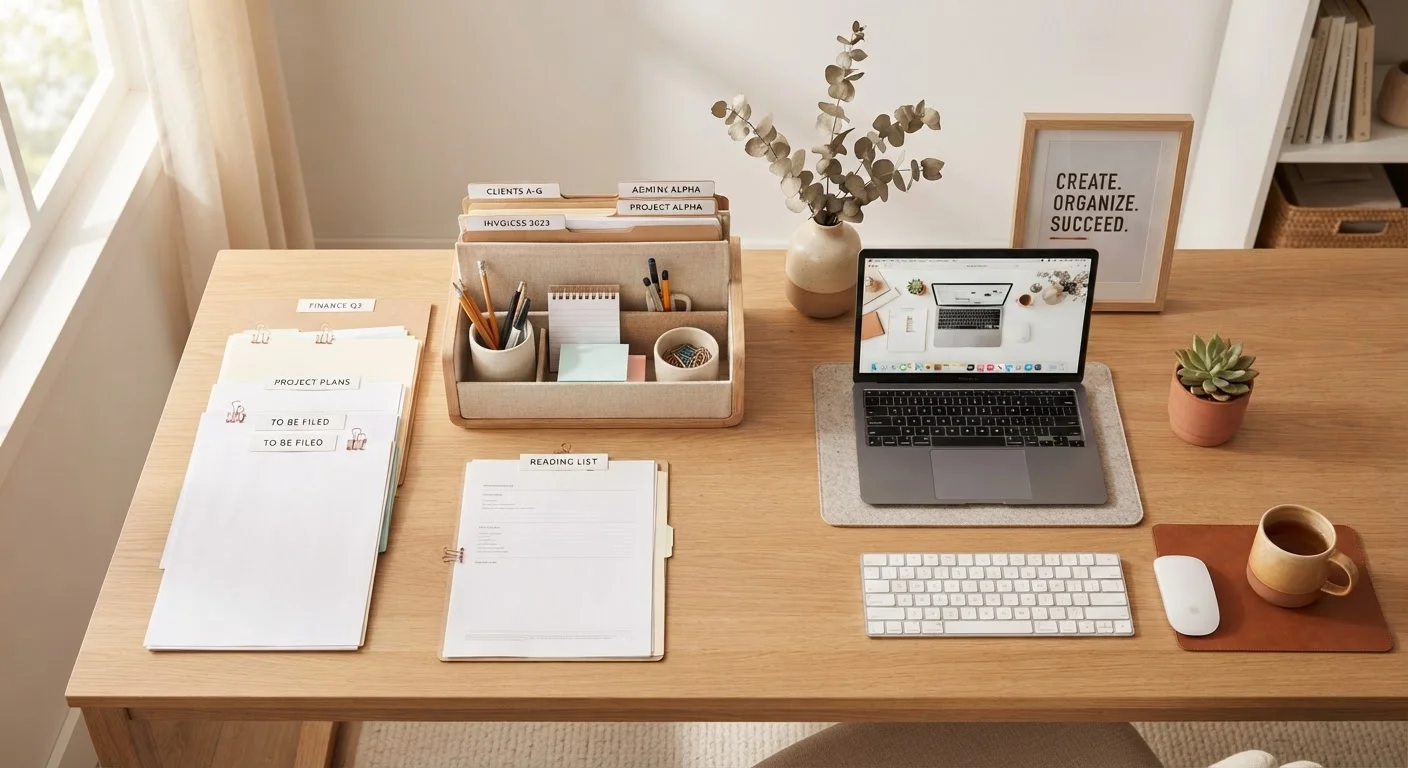
Photo credit: AdvisorHQ.net | Informative Website
In this article
Paper accumulates faster than almost anything else at home. This end-to-end guide covers sorting, filing, digitizing, and deciding what you actually need to keep.
Key Takeaways
- Sort all paper into four categories before deciding where anything goes.
- Most financial and legal records only need to be kept for three to seven years.
- A simple two-drawer filing system handles the majority of household documents.
- Digitizing documents reduces physical clutter but requires a reliable backup plan.
- Stopping paper at the door with a daily mail habit prevents re-accumulation.
- A monthly ten-minute review keeps any system from collapsing over time.
Why Paper Clutter Is So Hard to Tame
Paper is uniquely stubborn clutter. Unlike a broken appliance or an outgrown piece of furniture, a piece of paper rarely signals its own obsolescence. It arrives silently, stacks invisibly, and carries just enough perceived importance that most people hesitate to throw it away without a second look.
The core problem is decision fatigue. Every piece of paper requires a micro-decision: keep it, file it, act on it, or discard it. When that decision gets deferred, paper accumulates into piles that feel increasingly overwhelming to sort - which leads to more deferral. It is a self-reinforcing cycle.
If you are new to home organization more broadly, the foundational principles of getting organized apply here too: start with a clear system, work in manageable sessions, and build sustainable habits rather than chasing a one-time purge.
Set a physical limit for your 'act' pile - a small tray that holds no more than ten items. When it overflows, that is your trigger to process it, not an invitation to stack higher.
Physical constraints create built-in accountability. A bounded inbox makes backlog visible before it becomes unmanageable.
Photograph appliance serial numbers and model information before filing the paper manual - then you can shred the manual and still have the details on hand if you ever need warranty service.
Appliance manuals are among the most common sources of paper clutter but are rarely read. Capturing key data digitally eliminates the pile without losing useful information.
The Four-Category Sort: Your Starting Framework
Before anything gets filed or shredded, every piece of paper needs a category. Use these four:
- Act: Requires a response or action - a bill to pay, a form to complete, an appointment to schedule.
- File: No action needed, but worth keeping for reference - an insurance policy, a warranty, a tax record.
- Pending: Waiting on something else - a rebate in process, a claim under review. These have a short shelf life; revisit them monthly.
- Recycle or shred: Junk mail, outdated notices, duplicates, and anything you have verified you no longer need.
Work through one pile at a time with a recycling bin and a shredder close at hand. Do not re-sort - make a decision for each item before moving to the next.
80%
Papers filed that are never referenced again
Widely cited by professional organizers as an estimate of how much of what people file goes permanently untouched - suggesting that less filing, not more, is often the goal.
1 lb/day
Average junk mail received per U.S. household
The U.S. Postal Service reports that advertising mail makes up a substantial portion of total mail volume, contributing significantly to household paper accumulation.
What to Keep, What to Shred, and For How Long
Retention confusion is one of the biggest reasons paper accumulates. Here are general guidelines - note that specific situations vary, so consult a financial or legal professional if you are uncertain about records related to your circumstances.
| Document Type | General Retention Guideline |
|---|---|
| Tax returns and supporting documents | 7 years from filing date |
| Bank and credit card statements | 1-3 years (unless tied to a tax claim) |
| Pay stubs | Until reconciled with your annual W-2 |
| Property records, deeds, mortgage documents | As long as you own the property, plus 7 years after sale |
| Vehicle titles and loan documents | As long as you own the vehicle |
| Wills, trusts, and estate documents | Permanently (store originals with an attorney) |
| Medical records and EOBs | 5 years minimum; longer for chronic conditions |
| Utility bills and receipts | 1 year unless used for tax purposes |
For documents containing Social Security numbers, account numbers, or signatures, always shred rather than simply recycling.
Building a Filing System That Actually Works
The most effective home filing systems are simple enough to use consistently. A two-drawer filing cabinet or a portable expanding file box works well for most households. Divide your files into a small number of broad categories:
- Financial - taxes, bank statements, investment summaries
- Home - mortgage or lease, insurance, utility records, appliance warranties and manuals
- Health - insurance cards, explanation of benefits, vaccination records
- Vehicles - titles, registration, insurance, maintenance records
- Identity and legal - birth certificates, passports, Social Security cards, wills
- Active - current bills, pending items, things to act on this month
Label folders clearly and resist the urge to create sub-categories before you need them. Complexity is the enemy of consistency. If travelers in your household track a range of paperwork, the travel document checklist is a useful complement to your home filing setup.
Digitizing Your Documents: When and How
Scanning documents reduces physical clutter and creates copies that survive floods, fires, or simple misplacement. However, digital storage introduces its own risks if not managed carefully.
What to digitize: Receipts, warranties, insurance policies, medical records, and any document you reference regularly but rarely need in physical form. Keep physical originals for items that are legally required in hard copy - such as original wills, notarized documents, and government-issued IDs.
How to do it: A flatbed scanner or a smartphone scanning app (your phone's built-in document scanner works for most purposes) can capture clear, searchable PDFs. Name files descriptively - 2023_tax_return.pdf is infinitely more useful than scan001.pdf.
Where to store them: Use a combination of a local external drive and a cloud storage service so that no single point of failure can erase your records. For a practical checklist on protecting digital files once you have them, see our guide on keeping personal files safe and recoverable.
Taming Incoming Mail Before It Piles Up
The fastest way to rebuild paper clutter after clearing it is to let incoming mail go unsorted. A simple daily habit prevents this.
Sort at the door or recycling bin: Open mail over the recycling bin. Junk mail and catalogues that are not wanted go directly in - do not set them down first.
Opt out where possible: Reducing inbound volume is more effective than getting better at sorting. Contact senders directly or use opt-out services to remove yourself from catalogue and marketing mail lists. Switch recurring bills and statements to paperless delivery.
Use an inbox tray: Keep one designated landing spot for mail that needs action. Nothing else should go in it. Process it at a set time each week so it never grows beyond a week's worth of mail.
Switch to Paperless for Recurring Documents
Most banks, utilities, insurers, and government agencies now offer paperless delivery for statements and notices. Switching just five recurring accounts to digital delivery can cut inbound mail volume significantly. Set a calendar reminder to check your email or online portal each month so paperless statements don't go unreviewed.
Maintaining the System Long-Term
A filing system set up in a weekend will not stay functional without light, regular maintenance. Build two habits:
- Weekly: Process the inbox tray. File anything that belongs in a permanent folder. Shred anything that has been resolved. Takes five to ten minutes.
- Annual: Purge expired documents according to your retention schedule. Scan anything you want to digitize but set aside during the year. Confirm that your filing categories still match your life.
Maintenance is easier when the system has room to breathe - if folders are stuffed, filing becomes friction, and friction leads to piles. Keep categories broad and remove outdated documents promptly.
For broader strategies on preventing clutter from creeping back into your home over time, the one-in, one-out maintenance principles translate well to paperwork: when a new document arrives and gets filed, the outdated version it replaces should be shredded the same day.

Author
Home & Garden Editorial Team
Home & Garden Editorial Team is the collective byline for our editorial team and contributor network. Articles published under this byline or an editorial pen name are researched, written, and reviewed according to our editorial standards for clarity, consistency, and independence before publication.
View all articles →