
Password Managers: What They Do, How They Work, and Why Security Experts Recommend Them
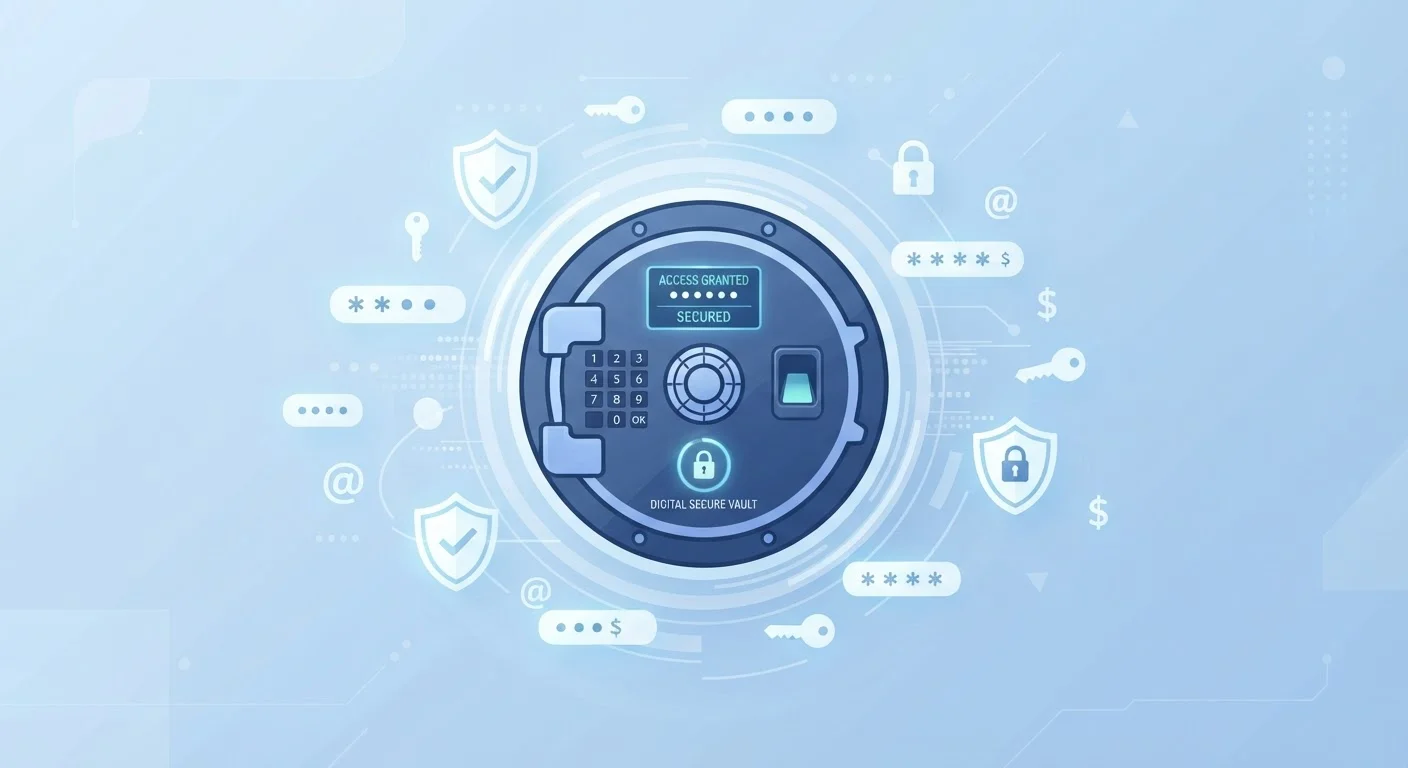
Photo credit: AdvisorHQ.net | Informative Website
In this article
Password managers sound complex but work on a simple idea. Learn what they actually do and why they are considered good security practice.
Key Takeaways
- A password manager stores and auto-fills your login credentials so you only need to remember one master password.
- Strong encryption means even the password manager company cannot read your stored passwords.
- Using unique passwords for every account is one of the most effective ways to limit damage from data breaches.
- Most password managers work across phones, computers, and browsers through apps and extensions.
- Security professionals widely consider password managers a foundational good-security habit for everyday users.
The Problem Password Managers Solve
Most people use the internet in a way that security professionals find alarming: the same password, reused across dozens of accounts. It is completely understandable - remembering a unique, complex password for every site is genuinely impossible without help. So people choose something easy to remember and use it everywhere.
The risk is significant. When any one of those sites suffers a data breach - and breaches happen regularly - attackers gain access not just to that account but potentially to your email, bank, and social media too. This technique, called credential stuffing, is automated and extremely common.
A password manager eliminates this problem entirely by making it practical to use a different strong password for every account without requiring you to remember any of them.
80%+
Data breaches involving compromised passwords
Industry analyses of major breach datasets consistently find that compromised or weak passwords are a factor in the vast majority of unauthorized account access incidents.
100+
Average online accounts per person
Research by password security firms suggests the average internet user has well over 100 accounts, making unique-password recall without a manager effectively impossible.
AES-256
Encryption standard used by most managers
AES-256 is the same encryption standard used by governments and financial institutions worldwide to protect sensitive data.
How a Password Manager Actually Works
When you create an account with a password manager, you set a master password. This is the only password you will need to remember. The app uses your master password to encrypt - essentially scramble - everything stored inside it.
After that, the workflow is straightforward:
- You visit a website and log in the first time. The password manager offers to save those credentials.
- Next time you visit, the manager recognizes the site and auto-fills your username and password.
- When creating new accounts, the manager's built-in generator suggests a strong, random password and saves it instantly.
Most apps sync your password vault across all your devices - phone, laptop, tablet - through an encrypted cloud connection. Some managers also store secure notes, credit card numbers, and other sensitive information.
Set Up Two-Factor Authentication Too
A password manager works even better when paired with two-factor authentication (2FA). With 2FA enabled, even if someone obtains your password, they still cannot access your account without a second verification step - typically a code sent to your phone or generated by an authenticator app. Many password managers can store 2FA codes as well.
Why Security Experts Recommend Them
The cybersecurity community broadly agrees that password managers are one of the highest-impact changes an everyday user can make. The reasoning is straightforward: the biggest threat to most people's accounts is not sophisticated hacking but simple reuse of weak passwords.
“The single best thing most people can do to improve their online security is to use a password manager. It makes strong, unique passwords practical for everyone, not just people with perfect memories.”
— Troy Hunt, Cybersecurity researcher and creator of Have I Been Pwned
Using unique passwords for every account means that a breach on one site cannot cascade into breaches on others. Combined with good general computer security habits, a password manager significantly raises the effort required for an attacker to compromise your accounts.
Password managers also protect against phishing - many will only auto-fill credentials on the exact domain where you originally saved them, so a fake lookalike site won't get your password even if you click through to it.
Getting Started With a Password Manager
Getting started is simpler than most people expect. Here is a general approach that works well for beginners:
- Choose a manager with a track record of independent security audits and transparent privacy practices. Look for one that supports all the devices you use.
- Create a strong master password - a phrase of four or more random words tends to be both memorable and highly secure. Write it down and store it somewhere safe offline, at least initially.
- Install the browser extension so the manager can auto-fill passwords as you browse.
- Let it import or save passwords gradually - you do not need to enter everything at once. Each time you log into a site, save the credentials then.
For broader digital security, pair your password manager with the habits covered in our guide to keeping your smartphone secure. And don't forget that keeping personal files backed up is equally important to a complete security routine.
A person uses the same password for their email, bank, and streaming accounts. One streaming service suffers a breach and that password is exposed.
Someone receives a convincing phishing email and clicks a link to a fake bank website that looks identical to the real one.
A user gets a new laptop and needs to log into thirty-plus accounts during setup.
A parent wants to share a Wi-Fi password or subscription login securely with a family member.
Frequently Asked Questions

Author
Tech & Gadgets Editorial Team
Tech & Gadgets Editorial Team is the collective byline for our editorial team and contributor network. Articles published under this byline or an editorial pen name are researched, written, and reviewed according to our editorial standards for clarity, consistency, and independence before publication.
View all articles →