
How to Spot a Phishing Scam on Your Mobile Device
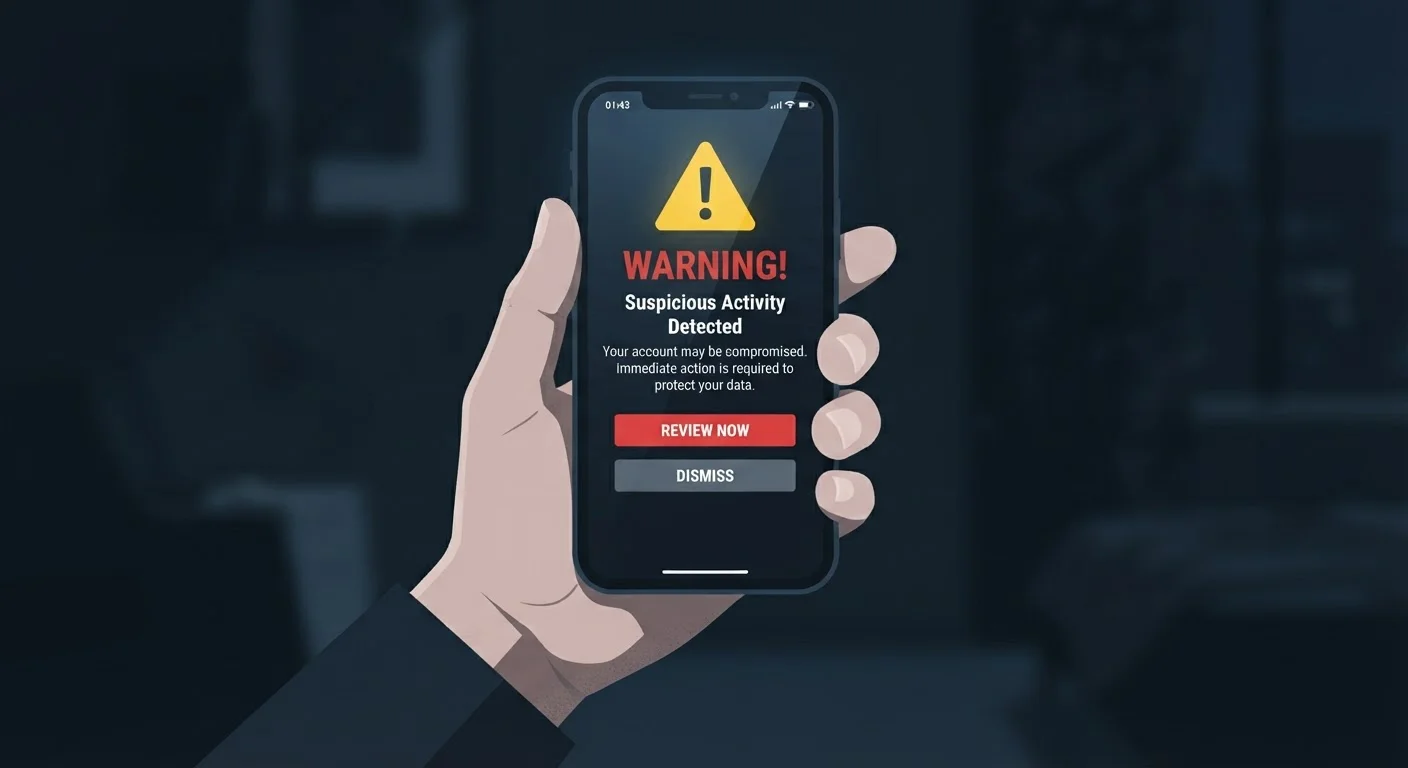
Photo credit: AdvisorHQ.net | Informative Website
In this article
Fake texts, suspicious links, and fraudulent app alerts are increasingly common. Learn the signs and how to respond safely.
Key Takeaways
- Phishing scams on mobile devices arrive via text, email, and fake app notifications.
- Urgency, suspicious links, and requests for personal data are the clearest red flags.
- Never tap a link in an unexpected message - go directly to the official app or website instead.
- Reporting phishing attempts helps protect others and may prevent further targeting.
- Keeping your phone's software updated reduces your exposure to known security vulnerabilities.
Why Phishing Has Moved to Your Phone
Phishing - the practice of tricking someone into handing over personal information or credentials by impersonating a trusted source - is not new. But mobile devices have become a primary target for a straightforward reason: people tend to be less cautious on their phones than on a desktop computer. Screens are smaller, full URLs are harder to read, and messages arrive in the same place as texts from friends and family.
Phishing on mobile devices typically arrives in three ways:
- SMS phishing ("smishing"): A text message pretending to be from a bank, delivery company, or government agency.
- Email phishing: Fraudulent emails that look like legitimate account alerts or invoices.
- App notification phishing: Fake push notifications from cloned or malicious apps urging immediate action.
Understanding these entry points is the first step toward recognizing them in real time.
What you will need
The Warning Signs to Know
Phishing messages - regardless of where they arrive - share a recognizable set of characteristics. Learning to spot these patterns makes identification much faster:
- Urgency or fear: "Your account will be suspended in 24 hours" or "Unauthorized access detected."
- Too-good-to-be-true offers: Prize notifications, gift cards, or refunds you never requested.
- Requests for sensitive data: Any message asking for your Social Security number, password, PIN, or payment information.
- Generic greetings: "Dear Customer" instead of your actual name.
- Grammar and formatting errors: Unusual spacing, odd punctuation, or inconsistent branding.
Caller ID and Sender Names Can Be Faked
Scammers can "spoof" phone numbers and sender names so a message appears to come from your bank, a delivery service, or even a government agency. A familiar name in the sender field is not proof of legitimacy. Always judge a message by its content and context, not its apparent source.
None of these signs on their own are absolute proof, but multiple red flags appearing together should raise your suspicion significantly.
Never Enter Credentials From a Link
If a message asks you to log in, reset a password, or confirm payment details via a link, do not tap it. Even if the message looks legitimate, go directly to the official app or type the website address manually into your browser. Entering credentials on a phishing site can give attackers immediate access to your accounts.
Step-by-Step: What to Do When a Suspicious Message Arrives
Follow these steps in order whenever you receive a message that triggers any of the warning signs above.
Mobile Operating System Updates
Keeping iOS or Android updated patches security vulnerabilities that phishing attacks may exploit.
Carrier Spam Filter or Scam Shield App
Filters known scam texts and calls before they reach your inbox.
Password Manager App
Autofills credentials only on legitimate sites, helping you avoid entering passwords on fake pages.
Pause before you tap anything
The single most effective defense against phishing is a moment of deliberate hesitation. Phishing messages are engineered to trigger an immediate reaction - fear that your account is locked, excitement about a package arriving, or urgency about a payment due. Before tapping any link or button in an unexpected message, stop and ask yourself: Was I expecting this? Does this make sense?
Inspect the sender's details carefully
Tap or long-press the sender's name or number to reveal the full contact information. Look for mismatched email domains (e.g., support@amaz0n-help.net instead of amazon.com), random strings of numbers posing as a business, or slight misspellings in a company name. Legitimate organizations almost always communicate from consistent, recognizable domains - and they rarely use personal phone numbers.
Preview links without tapping them
On most smartphones, you can long-press a hyperlink to see the actual URL before opening it. Look at the full address that appears: Does the domain match the organization it claims to be from? Watch for extra words or characters around the real domain name (e.g., paypal.secure-login.net - the real domain here is secure-login.net, not PayPal). If the URL looks unfamiliar or overly complex, do not open it.
Go directly to the source instead
If a message claims there is a problem with your bank account, streaming subscription, or delivery order, close the message and navigate to that service directly. Open the official app from your home screen, or type the known website address into your browser manually. If there's a real issue, you'll see it there - without any risk of landing on a fake page.
Report and delete the message
Most messaging apps have a built-in option to report spam or phishing. On iPhone, you can report and block unknown senders directly from the Messages app. On Android, the Messages app includes a "Report spam" option. You can also forward suspicious texts to 7726 (SPAM), a free reporting service supported by major U.S. carriers. After reporting, delete the message so you're not tempted to interact with it later.
Update your phone's software and review your security settings
Go to your device's settings and check for any pending operating system updates. Security patches are regularly released to close vulnerabilities that attackers exploit. While you're there, review which apps have access to your messages, contacts, or camera - and revoke permissions that seem unnecessary. For a more complete approach to locking down your device, see our smartphone security habits guide.
Use Your Carrier's Spam Filter
Most major U.S. mobile carriers offer free spam and scam call or text filtering tools, either built into their apps or available as a free add-on. Enabling this feature won't catch every phishing attempt, but it significantly reduces the volume that reaches you. Check your carrier's support page for setup instructions.
What If You Already Tapped a Link?
If you've already tapped a suspicious link, don't panic - but act quickly. First, do not enter any information on the page that loaded. Close the browser tab immediately. If you did enter a password, change it on the real website right away using a different device or a trusted network if possible. Enable two-factor authentication (2FA) on the affected account - this requires a second verification step at login, making it much harder for an attacker to access your account even with your password.
If you entered payment or banking information, contact your bank or card issuer directly using the number on the back of your card. Monitor your accounts for unfamiliar transactions over the following days. For a broader checklist of steps to protect your personal data, our smartphone security habits guide covers account and app security in more depth. And if you're also thinking about the security of other connected devices at home, securing your smart home network is a practical next step.

Author
Tech & Gadgets Editorial Team
Tech & Gadgets Editorial Team is the collective byline for our editorial team and contributor network. Articles published under this byline or an editorial pen name are researched, written, and reviewed according to our editorial standards for clarity, consistency, and independence before publication.
View all articles →