
The Truth Behind Common Smartphone Battery Myths
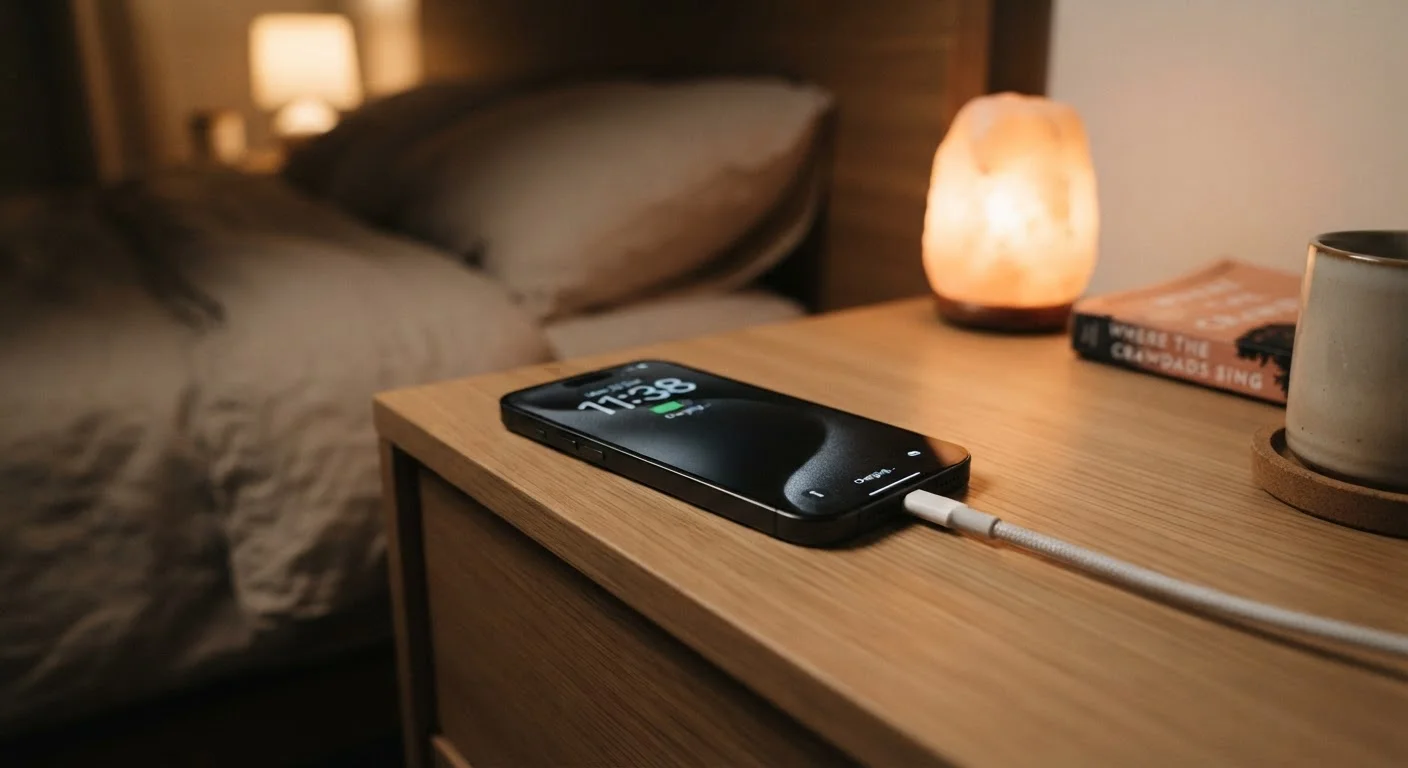
Photo credit: AdvisorHQ.net | Informative Website
Charging overnight, letting batteries drain completely — we separate battery fact from fiction so you stop following outdated advice.
Key Takeaways
- Modern lithium-ion batteries do not need to be fully drained before recharging.
- Leaving your phone plugged in overnight is generally safe with modern charging management systems.
- Closing background apps rarely improves battery life and may actually consume more power.
- Heat - not charging habits - is the biggest threat to long-term battery health.
- Third-party chargers are not automatically dangerous, but certified ones are safer.
Why Battery Myths Are So Persistent
Smartphone battery advice is everywhere - from family group chats to tech forums - and much of it is genuinely well-intentioned. The problem is that most of it was written for a different era of batteries. The nickel-cadmium and nickel-metal hydride cells that powered early mobile phones behaved very differently from the lithium-ion batteries inside every modern smartphone. Advice that was once accurate has simply outlasted the technology it described.
Understanding how today's batteries actually work helps you separate the habits worth keeping from the ones wasting your time - or quietly damaging your device. The myth-busting below draws on how lithium-ion chemistry is broadly understood by battery engineers and consumer electronics manufacturers.
Myth
You should let your phone battery drain completely to 0% before charging it again.
Fact
Fully draining a lithium-ion battery regularly actually shortens its lifespan. Partial charges are healthier.
This advice dates back to nickel-based batteries, which suffered from a memory effect - a phenomenon where repeated partial charges caused the battery to "forget" part of its capacity. Lithium-ion batteries do not have this problem. In fact, deep discharges (regularly running the battery to zero) place extra stress on lithium-ion cells and accelerate capacity degradation over time. Battery engineers generally recommend keeping a lithium-ion battery between roughly 20% and 80% for day-to-day use, though occasional full cycles are not harmful.
Myth
Leaving your phone plugged in overnight will overcharge the battery and ruin it.
Fact
Modern smartphones stop drawing current once fully charged - overcharging is not a realistic risk under normal conditions.
Every modern smartphone includes charging management circuits that cut off active charging once the battery reaches 100%. The phone then runs on power directly from the charger rather than cycling the battery. Some manufacturers go further, implementing features that slow the final charging phase or pause at 80% until shortly before the user wakes up. The greater concern with overnight charging is ambient heat - charging in a hot environment or with the phone under a pillow can elevate temperatures enough to stress the battery over time.
Myth
Closing background apps will significantly extend your battery life.
Fact
Forcibly closing apps can actually use more battery, because reopening them from scratch requires more power than resuming them.
Mobile operating systems are designed to manage background apps efficiently. Suspended apps in the background use very little power. When you manually force-close every app and then relaunch them, the processor has to do more work loading them fresh from storage, which consumes additional energy. Battery drain from background apps is usually due to specific apps with poor optimization or unrestricted background refresh permissions - not the presence of apps in the recent list. Checking which individual apps are consuming battery in your phone's settings is a more targeted and effective approach.
Myth
Using your phone while it charges is dangerous and damages the battery faster.
Fact
Using your phone during charging is safe under normal conditions and does not meaningfully accelerate battery wear.
Using your phone while it charges is a routine scenario that device manufacturers account for. The charging management system handles the split between powering the screen and processor while simultaneously managing the charge current to the battery. The one practical caution is heat: processor-intensive tasks like gaming while charging can raise the phone's temperature noticeably. Sustained high heat does stress lithium-ion cells over time, so if your phone becomes uncomfortably warm during a charging session, setting it down and reducing usage temporarily is a sensible habit - not because of electrical danger, but to limit heat buildup.
Myth
Third-party chargers always damage your battery or pose a serious safety risk.
Fact
Certified third-party chargers from reputable manufacturers are generally safe; the risk comes from uncertified, very cheap chargers with no safety testing.
Safety concerns around third-party chargers are real but often overstated. Chargers that carry recognized safety certifications (such as UL listing in the United States) have passed independent electrical safety testing and are not inherently dangerous. The genuine risks are associated with extremely low-cost chargers sold without any safety markings, which may lack proper insulation, voltage regulation, or overcurrent protection. Buying a charger from a known accessory brand with verifiable safety certification is a straightforward way to avoid the small category of chargers that do pose real risks.
What Actually Hurts Your Battery
Once you clear away the myths, a clearer picture emerges: the real threats to battery longevity are heat, extreme charge levels held for long periods, and physical wear over charge cycles. Most everyday charging habits - plugging in at night, topping up during the day - fall well within the safe operating range manufacturers design for.
Keeping your phone out of hot cars and avoiding wireless charging on thick cases (which trap heat) will do more for your battery's lifespan than any charging ritual. Many phones now include battery health features in their settings that let you monitor capacity degradation over time. Checking that screen occasionally gives you an honest read on how your specific battery is holding up.
For more on practical phone settings that genuinely extend battery life, see settings most people overlook. And if you're curious how battery-related costs fit into the bigger picture of phone ownership, hidden costs of smartphone ownership covers what many buyers don't anticipate.
Heat Is the Real Battery Killer
Leaving your phone in a hot car, charging it under a pillow, or running it in direct sunlight for extended periods can damage battery cells in ways that are permanent and cumulative. If your phone feels hot to the touch during charging, remove the case, move it to a cooler surface, and reduce usage until the temperature drops. No app or setting can reverse heat-related battery degradation once it occurs.
Myths about batteries share something in common with misconceptions in other areas of device ownership. If you've ever wondered which beliefs about malware are similarly outdated, common computer virus myths is worth a read.

Author
Tech & Gadgets Editorial Team
Tech & Gadgets Editorial Team is the collective byline for our editorial team and contributor network. Articles published under this byline or an editorial pen name are researched, written, and reviewed according to our editorial standards for clarity, consistency, and independence before publication.
View all articles →