
What to Do Before You Sell, Trade In, or Recycle Your Old Phone
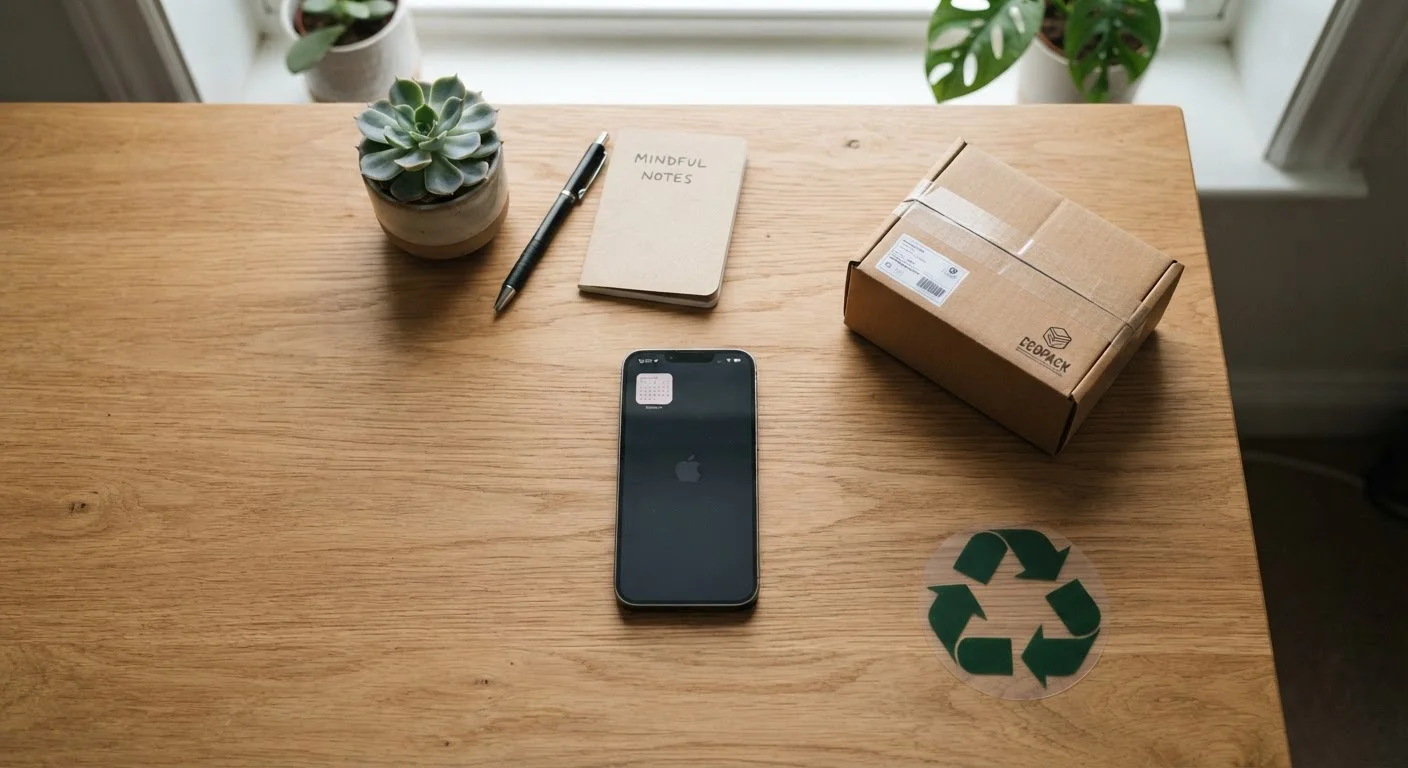
Photo credit: AdvisorHQ.net | Informative Website
In this article
A step-by-step checklist to back up data, sign out of accounts, and wipe your device safely before it leaves your hands.
Key Takeaways
- Backing up your data before wiping your phone is the single most important step.
- Signing out of accounts like Apple ID or Google prevents future access issues for you and the next owner.
- A factory reset alone may not be enough - check that your device is fully deactivated from your accounts.
- Removing your SIM card and any memory cards protects personal data the reset won't touch.
- Skipping these steps can expose your accounts, photos, and financial information to strangers.
Why This Checklist Matters
Selling, trading in, or recycling an old phone is routine - but handing it off without proper preparation can expose your contacts, saved passwords, payment apps, and personal photos to whoever receives it next. Many people assume a factory reset is all it takes. In reality, there are several account-level steps that must happen before the reset to fully disconnect your identity from the device.
This checklist walks you through every stage in order: backing up what matters, signing out of services, removing physical items, and wiping the device cleanly. Whether you use an iPhone or an Android phone, the categories apply to both - though the exact menu paths will vary by model and operating system version.
For a broader look at protecting your personal information day to day, see our guide on smartphone security habits that actually work.
Back Up Your Data
Sign Out of Accounts and Services
Remove Physical Items
Wipe and Verify
Tools and Access You'll Need
Before you begin, make sure you have everything ready to work through the checklist without interruption. Most steps require only your phone, a Wi-Fi connection, and access to the email or password manager where your credentials are stored.
Cloud backup account (iCloud or Google Account)
Stores your photos, contacts, and app data so nothing is lost when the phone is wiped.
Computer or external hard drive
Provides a secondary local backup of photos and files separate from cloud storage.
SIM eject tool or small paperclip
Opens the SIM card tray so you can remove your SIM before handing off the device.
Authenticator app on a second device
Allows you to migrate two-factor authentication codes before losing access to the old phone.
Password manager (browser-synced or app-based)
Ensures all saved passwords are accessible from your new device after the old one is wiped.
Don't Reset Before Signing Out
Running a factory reset before signing out of your Apple ID or Google Account can leave Activation Lock or Factory Reset Protection active on the device. This makes the phone effectively unusable for the next owner - and resolving it after the fact is difficult. Always sign out through the settings menu first, then proceed to the reset.
If you're passing your phone on to someone else and want to make sure your new device gets set up without losing anything, our walkthrough on switching phones without losing everything covers the full transfer process for both iPhone and Android users. And if you'd like a broader backup habit to build on top of this checklist, the personal files backup checklist is a useful companion resource.
What Happens After You Hand It Over
Once your phone leaves your hands, you lose the ability to make corrections. If you forgot to sign out of a streaming service, the next user may be watching on your account. If your payment app was still active, there may be a path - however narrow - to your stored cards. And if your photos weren't backed up, they're gone.
Your Accounts Stay Active Until You Act
A factory reset erases your files and settings, but it does not automatically sign you out of cloud-linked accounts at the system level. On iPhones, Activation Lock remains tied to your Apple ID until you explicitly remove it. On Android devices, Factory Reset Protection works similarly. If either of these is left active, your personal account is still connected to the device - even in someone else's hands.
Taking 20 to 60 minutes to work through this checklist protects not just your current data, but your ongoing account security. If you're buying a refurbished phone as part of this transition, understanding how devices are graded and what sellers actually test is worth your time - our article on what refurbished phone grading actually means breaks that down clearly.
Finally, keep in mind that social engineering and phishing attempts sometimes target people mid-transition, when they're setting up new accounts or receiving verification codes. Stay alert to suspicious messages during this period - our piece on spotting phishing scams on mobile devices explains what to watch for.

Author
Tech & Gadgets Editorial Team
Tech & Gadgets Editorial Team is the collective byline for our editorial team and contributor network. Articles published under this byline or an editorial pen name are researched, written, and reviewed according to our editorial standards for clarity, consistency, and independence before publication.
View all articles →