
Building Your First Smart Home: A Room-by-Room Starting Point
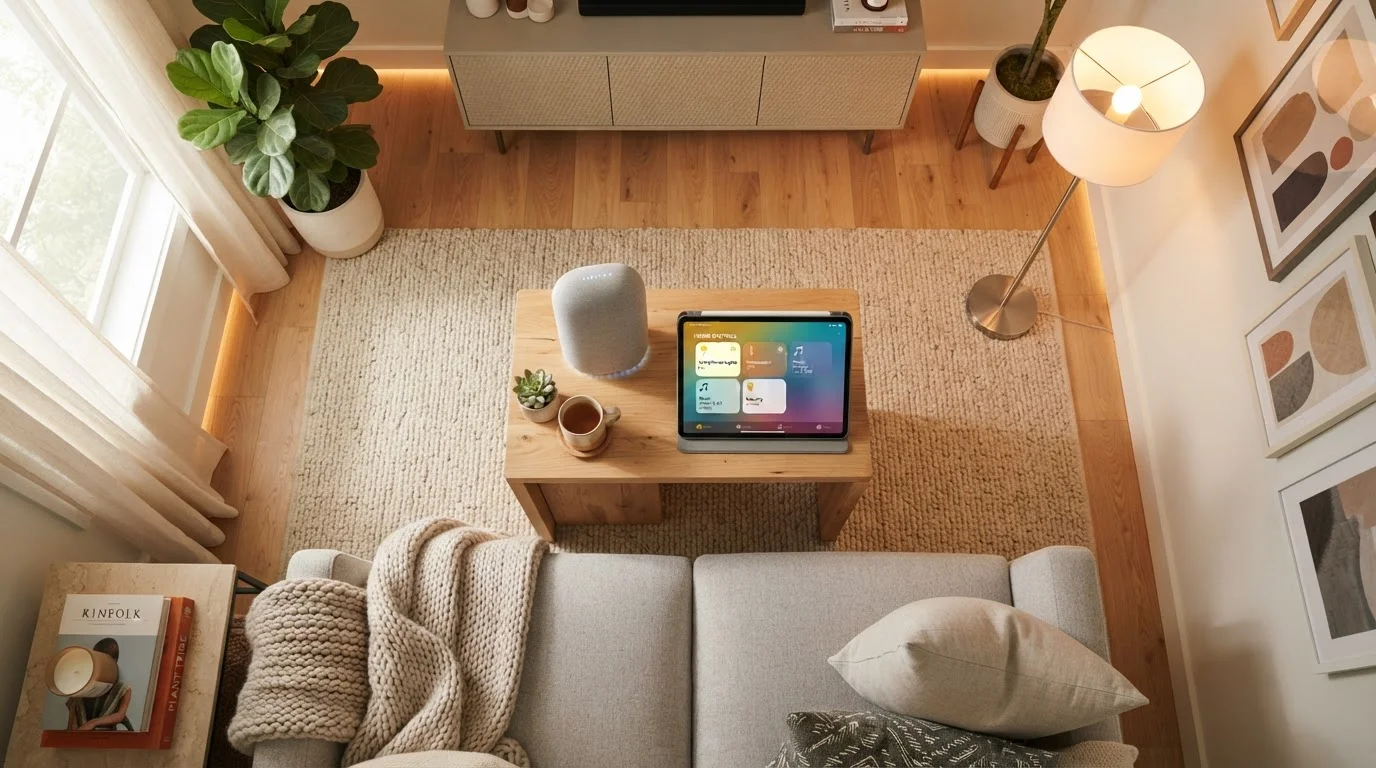
Photo credit: AdvisorHQ.net | Informative Website
In this article
Not sure where to begin with smart home tech? This beginner-friendly guide walks through which rooms and devices to prioritize first.
Key Takeaways
- A reliable Wi-Fi network is the single most important foundation before adding any smart device.
- The living room is the easiest starting point because smart lighting and voice assistants deliver immediate, visible results.
- Stick to one smart home ecosystem early on to avoid compatibility headaches later.
- Smart locks, video doorbells, and thermostats offer the clearest everyday value beyond the living room.
- Security settings - strong passwords, two-factor authentication - should be configured the same day devices go online.
Start With the Basics: What You Need Before Any Device
Before you buy a single gadget, two things need to be in good shape: your Wi-Fi network and your expectations. Smart devices communicate over your home network, so a slow or spotty connection will undermine even the best hardware.
If your router is several years old or your signal drops in certain rooms, that is worth addressing first. A mesh Wi-Fi system - one that uses multiple nodes to blanket the whole home - is a worthwhile investment for households with more than a few rooms. For a broader grounding in how smart devices talk to each other and what technology is actually involved, see Smart Home Technology Explained.
The second preparation step is picking an ecosystem. Alexa (Amazon), Google Home, and Apple HomeKit are the three dominant platforms in the U.S. Devices labeled "Works with Alexa" may not work with Google Home, and vice versa. Choosing one platform and buying compatible devices from the start prevents frustrating compatibility gaps later.
Smart ecosystem
A family of devices and services designed to work together under one platform, such as Amazon Alexa, Google Home, or Apple HomeKit. Mixing ecosystems can cause compatibility issues.
Smart hub
A central device that allows different smart home gadgets - sometimes from different brands - to communicate with each other. Not always required for basic setups.
Mesh Wi-Fi
A home networking system using multiple router-like nodes placed around the home to provide consistent wireless coverage in every room, eliminating dead zones.
Voice assistant
A software-based assistant (like Amazon Alexa or Google Assistant) that responds to spoken commands, often built into a smart speaker or display, and can control compatible smart devices.
Smart plug
An adapter that fits into a standard wall outlet and lets you remotely control or schedule power to any device plugged into it, without rewiring anything.
Firmware
Built-in software installed on a device by the manufacturer. Keeping it updated ensures the device runs correctly and receives security fixes.
Living Room: The Natural First Stop
The living room is where most households spend the most time, which makes it the ideal place to feel the impact of smart tech right away. Two categories deliver the fastest results here.
Smart lighting - bulbs or smart switches - is the most approachable starting point. You can dim lights, change color temperature, and create schedules without touching a switch. Grouped into a "scene," you can trigger a movie-ready ambiance with one voice command or tap.
A voice assistant or smart display acts as the control center. Whether it is an audio-only speaker or a touchscreen display, it lets you control lights, check the weather, set timers, and eventually manage other devices hands-free. If you are weighing the two options, our voice assistant vs. smart display comparison breaks down the real-world differences.
Build One Room at a Time
Resist the urge to automate everything at once. Getting one room fully set up and comfortable before moving to the next helps you learn the platform, avoid buyer's remorse, and spot compatibility issues early. Most experienced smart home users recommend starting with just two or three devices and expanding only when those feel natural to use.
Kitchen and Entryway: Practical Upgrades With Real Payoff
Once the living room feels comfortable, two areas deliver outsized convenience for their cost: the kitchen and the front door.
In the kitchen, a smart plug is a low-stakes introduction. It lets you remotely control any device plugged into it - a coffee maker, a slow cooker, a fan - and track its energy use. No rewiring, no complexity. A small smart display on the counter also works well here for hands-free timers and recipe lookups while cooking.
At the entryway, a smart lock and a video doorbell are the two most practical upgrades you can make. A smart lock lets you lock or unlock your door from your phone, create temporary codes for guests or service workers, and receive alerts when the door is accessed. A video doorbell lets you see and speak with visitors from anywhere. Both add genuine convenience and peace of mind without requiring professional installation in most cases.
Bedroom and Thermostat: Comfort and Energy on Autopilot
The bedroom benefits most from automation that runs quietly in the background. Smart lighting here is less about ambiance and more about gentle wake-up routines - lights that gradually brighten instead of jarring you with an alarm. A smart plug on a bedside lamp or fan is another low-effort addition.
Across the whole home, a smart thermostat is one of the most discussed upgrades for good reason. It learns your schedule, adjusts temperature automatically, and can be controlled remotely. That said, they are not the right fit for every home - older HVAC systems, certain wiring configurations, and renter situations can complicate the picture. Our honest breakdown of smart thermostats covers who benefits most and what to check before committing.
Keeping Your Smart Home Secure From Day One
Every connected device is a potential entry point if left with default settings. Three habits close most vulnerabilities immediately.
- Change default passwords. Every device and every app account should have a unique, strong password - not the one printed on the box.
- Enable two-factor authentication on your smart home accounts wherever the option exists.
- Keep firmware updated. Manufacturers release security patches regularly; enabling automatic updates means you benefit from them without thinking about it.
For a comprehensive walkthrough of locking down your network and devices, see our guide to securing your smart home. It is worth reading before you add your third or fourth device, not after.
Default Passwords Are a Real Risk
Many smart home devices ship with default usernames and passwords that are publicly known and easy for bad actors to exploit. Changing these credentials immediately after setup - before the device connects to your home network - is one of the most important steps you can take. Never skip this, even for devices that seem low-stakes.
Frequently Asked Questions

Author
Tech & Gadgets Editorial Team
Tech & Gadgets Editorial Team is the collective byline for our editorial team and contributor network. Articles published under this byline or an editorial pen name are researched, written, and reviewed according to our editorial standards for clarity, consistency, and independence before publication.
View all articles →