
Everything You Need to Know Before Subscribing to a Streaming Service
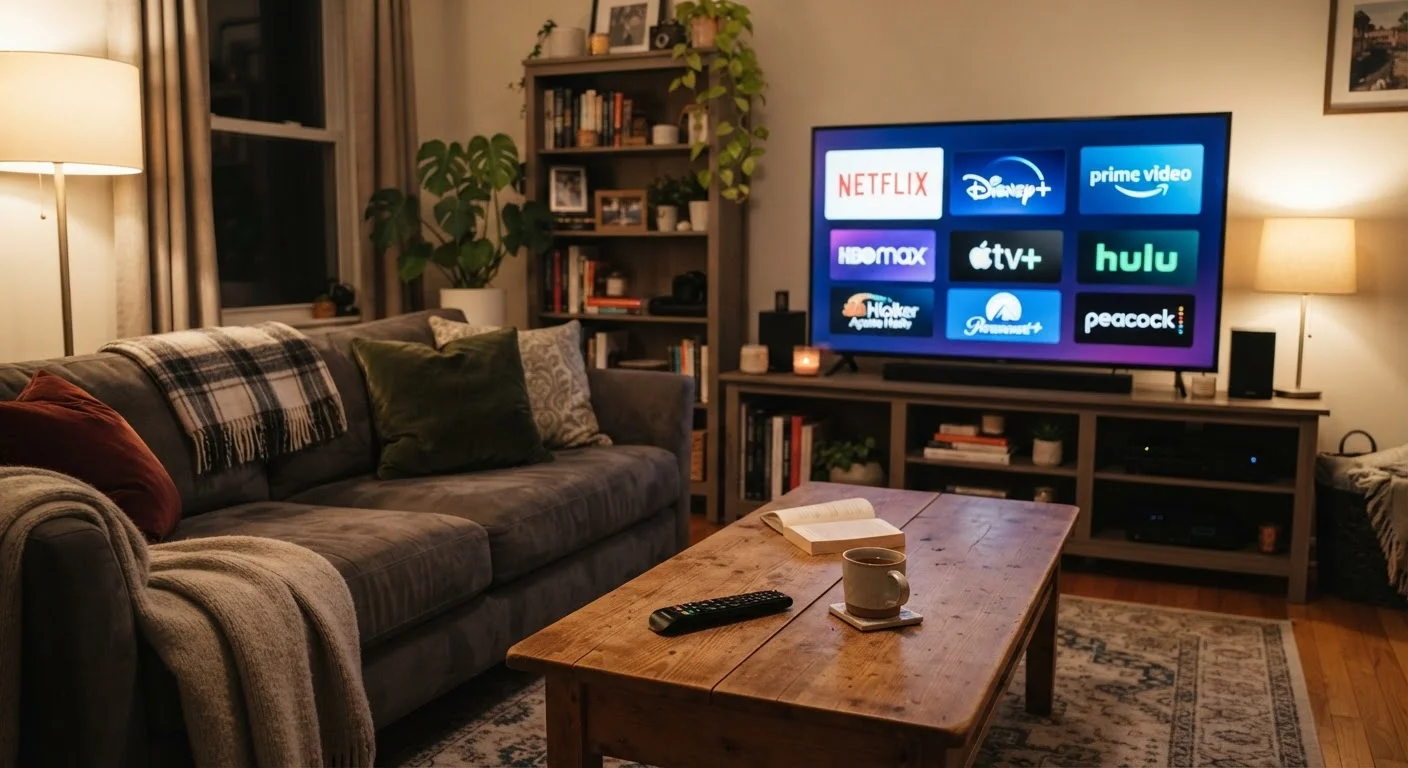
Photo credit: AdvisorHQ.net | Informative Website
In this article
Content libraries, simultaneous streams, download policies, and cancellation terms — the key things to understand before signing up.
Key Takeaways
- Content libraries vary by region and change over time due to licensing agreements.
- Simultaneous stream limits determine how many household members can watch at once.
- Not all plans include offline downloads - check before assuming this feature is available.
- Video quality and ad-free viewing are often locked behind higher-priced tiers.
- Cancellation is usually simple, but free trial terms vary and auto-renewal is common.
- Your home internet speed and router quality directly affect streaming performance.
How Content Libraries Actually Work
The number of titles a streaming service advertises can be misleading. A platform may list tens of thousands of titles, but what you can actually watch depends on your geographic location and the licensing deals that service has negotiated in your region. A show available in one state may not be available in another country - and content gets added and removed regularly as contracts expire.
Before subscribing, look up specific titles you want to watch rather than relying on headline library counts. Most platforms let you browse a portion of their catalog before signing up. For a deeper look at what shapes these libraries behind the scenes, see what streaming platforms don't tell you about their content libraries.
Before subscribing, search for the specific show or movie you want and see if it appears on the service's browse page - this is the most reliable way to confirm availability in your region.
Library counts and marketing claims don't reveal regional licensing gaps; testing directly gives you ground truth before you commit.
Sign up through the streaming service's own website rather than through an app store when possible - cancellations and billing are simpler to manage when everything is in one place.
Subscriptions initiated through Apple or Google app stores are managed through those platforms, which adds a separate layer to the cancellation process that many subscribers overlook.
Simultaneous Streams and Household Plans
Most streaming services limit the number of screens that can be active at the same time on a single account. Entry-level plans often allow just one or two simultaneous streams, while premium tiers may allow four or more. If multiple people in your household watch independently - on separate TVs, laptops, or phones - a low stream limit will cause interruptions.
Many platforms have also introduced household verification features that restrict account sharing to people living at the same address. Review the specific terms for the plan you are considering, since these policies differ significantly across services and have been changing in recent years.
3-4
Simultaneous streams on premium plans
Most major platforms tier their simultaneous stream limits across plan levels, with premium plans typically supporting three to four screens.
25 Mbps+
Recommended speed for 4K streaming
Streaming services commonly recommend at least 25 Mbps of sustained download speed per stream for stable 4K Ultra HD playback.
Downloading Content for Offline Viewing
Offline downloads let you save movies or episodes to a phone or tablet so you can watch without an internet connection - useful for travel or areas with spotty coverage. However, this feature is not universal. Some platforms only offer downloads on specific plans, and others restrict which titles can be downloaded due to licensing terms.
Downloaded content also has expiration dates. Many titles disappear from your device after 30 days, and once you begin watching, a 48-hour countdown often starts. Device limits apply too - most services cap how many devices can hold downloaded content at once.
Video and Audio Quality Tiers
Streaming services commonly offer multiple quality levels tied to pricing. Standard definition (SD), high definition (HD, typically 1080p), and 4K Ultra HD are the most common tiers. Dolby Atmos audio and HDR (High Dynamic Range) visuals are usually reserved for the highest-tier plans and require compatible televisions and sound equipment to notice a difference.
Ad-supported plans, which carry a lower monthly price, often cap video quality at HD or lower. If you have a 4K TV and want to use it fully, verify that the plan you choose actually delivers 4K content - and check that your internet connection can support it. Our home network readiness checklist can help you confirm your setup before subscribing.
Cancellation Terms and Free Trials
Canceling a streaming subscription is generally straightforward - most services let you cancel online in a few clicks with no fees or penalties. Your access typically continues through the end of the billing period you have already paid for. That said, a few services process cancellations differently depending on how you signed up (directly through their website vs. through a device app store), so check which method applies to your account.
Free trials, where offered, require a payment method up front and convert automatically to a paid subscription unless you cancel before the trial ends. Set a calendar reminder when you start a trial so you don't forget. Also be aware that promotional pricing for new subscribers often reverts to the standard rate after a set number of months - confirm the full price before signing up.
Auto-Renewal Is the Default
Nearly all streaming services renew your subscription automatically at the end of each billing cycle. If you sign up for a free trial or promotional rate, mark your calendar and review your payment method statements regularly. Some services also raise their standard rates periodically - you may receive an email notice, but it is easy to miss.
Device Compatibility and Network Requirements
Not every streaming app runs on every device. Before subscribing, confirm the service supports the specific TV, streaming stick, game console, or mobile device you plan to use. Some services have dropped support for older hardware, and built-in smart TV apps may be out of date on televisions more than a few years old.
On the network side, streaming HD video generally requires a sustained connection of at least 5 Mbps, while 4K content typically needs 25 Mbps or more. These are per-stream figures - if multiple people are streaming simultaneously, your router and internet plan need to handle the combined load. For guidance on hardware options, see how streaming sticks, boxes, and smart TVs differ. Once you have chosen a service and a device, setting up a streaming service on your TV for the first time walks you through the full setup process in plain language.
If you are also weighing whether streaming makes sense for your household compared to a traditional cable package, streaming vs. cable offers a balanced breakdown of the tradeoffs.

Author
Tech & Gadgets Editorial Team
Tech & Gadgets Editorial Team is the collective byline for our editorial team and contributor network. Articles published under this byline or an editorial pen name are researched, written, and reviewed according to our editorial standards for clarity, consistency, and independence before publication.
View all articles →