
Smart Home Privacy: What Your Devices Collect and How to Manage It
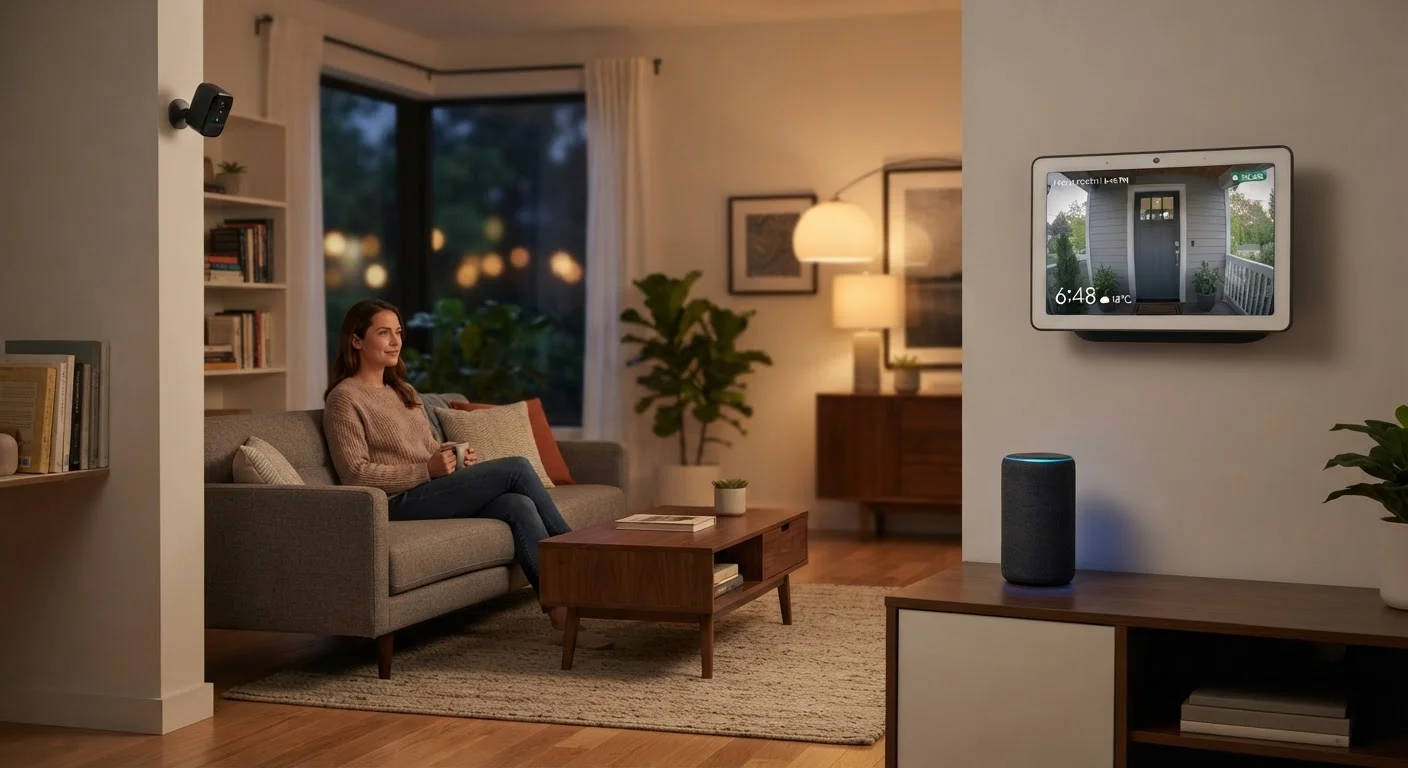
Photo credit: AdvisorHQ.net | Informative Website
In this article
Smart speakers, cameras, and doorbells gather data. Here's what types of information are typically collected and how to adjust your settings.
Key Takeaways
- Smart speakers, cameras, and doorbells routinely collect audio clips, video footage, and usage patterns.
- Most devices allow you to delete collected data and limit what gets stored through their companion apps.
- Reviewing privacy settings when you first set up a device - and periodically after - is one of the most effective protective habits.
- Disabling features you don't use, like always-on microphones, reduces your data exposure without sacrificing core functionality.
- Strong, unique Wi-Fi credentials and regular firmware updates close many of the most common security gaps.
What Smart Home Devices Actually Collect
Smart home technology is built on connectivity, and connectivity depends on data. Before you can manage what your devices share, it helps to understand what they're actually gathering. If you're newer to the ecosystem, the basics of how smart home devices work provides useful context.
Smart speakers and voice assistants are typically triggered by a wake word - a short phrase the device listens for continuously. When the wake word is detected, a short audio clip is recorded and sent to the manufacturer's servers for processing. Most platforms retain these clips for a period of time to improve voice recognition accuracy, though policies vary by manufacturer.
Video doorbells and indoor cameras capture motion-triggered or continuous footage. That video is generally uploaded to cloud storage, where it may be accessible to the manufacturer unless end-to-end encryption is in place. Some devices also log timestamps, motion event frequency, and even environmental audio.
Smart thermostats, plugs, and lighting systems collect behavioral data - when you're home, when you wake up, your preferred temperatures, and which routines you run. This usage data helps automate your home, but it also builds a detailed picture of your daily schedule.
89%
Smart home owners who haven't reviewed privacy settings
Consumer research from the Internet Society and Consumers International found that the large majority of connected device owners have never reviewed the data collection settings on their devices.
~1 KB
Typical size of a single wake-word audio clip
Each wake-word triggered recording is brief, but platforms can accumulate thousands of these clips over months of daily use without automatic deletion enabled.
Best Practices for Managing Your Privacy
The good news is that most smart home platforms give you meaningful controls - they're just not always turned on by default or easy to find. Here are the practices that make the biggest difference.
Audit and delete stored voice recordings regularly.
Voice assistants keep audio clips on manufacturer servers by default. Letting these accumulate means a large archive of household audio exists outside your home. Periodic deletion limits that exposure and is a simple, reversible action.
Turn off always-on microphones when not needed.
Many smart displays and speakers have a physical microphone mute button. Using it when you're not actively giving voice commands stops the wake-word detection process entirely - no software setting is required.
Enable local storage or end-to-end encryption on cameras where available.
Cloud-stored video is accessible to the device manufacturer and potentially to law enforcement or bad actors in the event of a breach. Local storage on an SD card or a home network recorder keeps footage in your physical possession.
Review and restrict third-party data sharing in companion apps.
Smart home apps often share anonymized usage data with analytics partners or advertisers. While this is usually disclosed in privacy policies, it's rarely highlighted during setup. Opting out reduces how broadly your behavioral data travels.
Keep device firmware updated consistently.
Firmware updates frequently include security patches that close known vulnerabilities. Outdated firmware is one of the most common ways smart home devices become entry points for unauthorized access, which is a privacy risk as much as a security one.
Place cameras only where you'd be comfortable being observed.
Indoor cameras in private spaces - bedrooms, bathrooms - create footage that is especially sensitive. Even with strong security settings, the risk profile of placing a connected camera in a private space is meaningfully higher than in common areas.
Quick Steps You Can Take Right Now
Privacy management doesn't require hours of configuration. A few targeted actions today can significantly reduce how much your devices share. These quick wins work across most major smart home platforms.
For a broader look at permission management across your devices, see why app permissions matter more than most people realize. And once your privacy settings are in order, securing your smart home against unauthorized access is the logical next step.
Balancing Convenience and Control
It's worth being realistic: some data collection is genuinely necessary for smart home devices to work. A voice assistant can't respond to spoken commands without processing audio. A camera can't send motion alerts without storing at least a brief clip. The goal isn't to eliminate data collection entirely - it's to ensure what's collected is proportional to the value you get from the feature.
Privacy Policies Vary Significantly by Manufacturer
Different smart home platforms have meaningfully different data retention practices, encryption standards, and third-party sharing arrangements. Reading the privacy policy for each device you own - particularly the sections on data retention and law enforcement access - gives you a clearer picture of your actual exposure. Policies can also change when companies update their terms, so it's worth revisiting them periodically.
A useful rule of thumb: if you're not actively using a feature, disable it. Many households run smart speakers on full default settings while only using a fraction of the available capabilities. Reviewing those defaults in your device's companion app - using the same habits that apply to phone settings most people never change - can quickly reveal permissions and data-sharing options you didn't know existed.
If you're still building out your setup, the room-by-room smart home starting guide can help you add devices thoughtfully from the beginning rather than retrofitting privacy controls later.

Author
Tech & Gadgets Editorial Team
Tech & Gadgets Editorial Team is the collective byline for our editorial team and contributor network. Articles published under this byline or an editorial pen name are researched, written, and reviewed according to our editorial standards for clarity, consistency, and independence before publication.
View all articles →