
The Vocabulary of Smart Home Technology: A Plain-Language Glossary
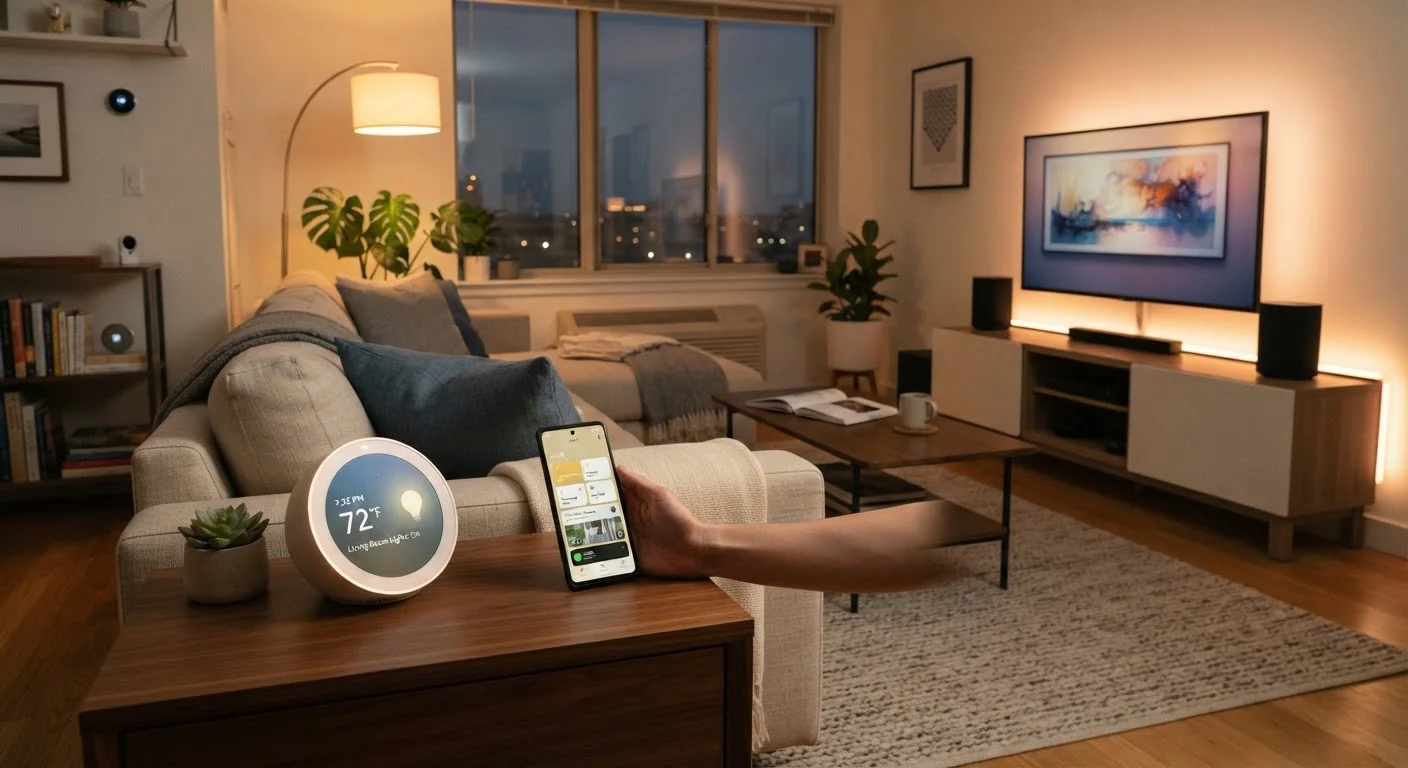
Photo credit: AdvisorHQ.net | Informative Website
Hub, mesh network, Matter protocol, scene automation — a quick-reference glossary of the terms you'll encounter setting up a smart home.
Why Smart Home Jargon Feels Overwhelming
Shopping for a smart thermostat or a connected light bulb means running into a wall of unfamiliar terms: Zigbee, Matter, mesh network, hub. Product listings and setup guides often use these words without explaining them, which can make a simple purchase feel like a graduate-level exam.
This glossary cuts through that noise. Whether you're configuring your first smart speaker or planning a whole-home setup, the definitions below give you a working vocabulary so you can read product specs and make confident decisions. For a practical walkthrough of which devices to prioritize in each room, see our room-by-room smart home starting guide.
Hub
A central device that acts as a translator and coordinator between smart home devices, especially those using different wireless protocols. Some hubs are standalone hardware; others are built into smart speakers or streaming devices. Not all smart home setups require a dedicated hub.
Mesh Network
A Wi-Fi system made up of multiple nodes (small router-like devices) placed around your home that work together as a single network. Unlike a traditional router, a mesh network eliminates dead zones by having each node pass the signal along, keeping devices connected throughout larger homes.
Matter
A universal smart home connectivity standard developed by a cross-industry alliance, designed so that devices from different brands can work together reliably. A Matter-certified device should function with any Matter-compatible platform or app, reducing compatibility headaches.
Thread
A low-power wireless mesh networking protocol used specifically for smart home devices. Thread devices communicate directly with each other rather than routing everything through a central hub, which can improve reliability and reduce latency.
Zigbee
A widely used short-range wireless protocol popular in smart bulbs, sensors, and locks. Zigbee devices form a mesh network with each other, extending range. A Zigbee-compatible hub is typically required to connect these devices to your broader smart home platform.
Z-Wave
Another low-power wireless protocol used in smart home devices, operating on a different radio frequency than Wi-Fi and Zigbee, which reduces interference. Z-Wave devices are certified for interoperability, meaning devices from different manufacturers generally work together.
Scene
A saved configuration of multiple device states that can be activated at once. For example, a single 'Good Morning' scene could turn on specific lights, adjust the thermostat, and unlock the back door simultaneously.
Routine / Automation
A rule that triggers device actions automatically based on a condition - such as a time of day, a sensor reading, or a geofence event. Routines are the engine behind a smart home that appears to run itself.
Geofencing
Using your smartphone's GPS location to trigger smart home actions. When your phone crosses a defined boundary (the 'geofence'), your home can respond - turning on lights as you arrive, or turning off the HVAC after you leave.
Bridge
A device that translates communication between two different wireless protocols, allowing incompatible devices to work together. Bridges are common with older smart lighting systems that use proprietary protocols.
Local Control
The ability of smart home devices to communicate and function within your home network without requiring an internet connection. Devices with local control tend to respond faster and continue working during internet outages.
Voice Assistant Integration
A connection between smart home devices and a voice assistant platform that allows you to control devices using spoken commands. Integration depth varies - some devices only support basic on/off commands, while others allow complex queries and control.
Key Concepts at a Glance
The terms below appear most often in smart home product documentation, app settings, and setup guides. They fall into a few natural categories: network infrastructure (how devices connect), control systems (how you manage them), and automation logic (how they act on their own).
| Most common smart home protocol | Wi-Fi (direct connection, no hub needed) |
| Matter standard launched | 2022 (Connectivity Standards Alliance) |
| Zigbee operating frequency | 2.4 GHz |
| Z-Wave operating frequency | Sub-1 GHz (approx. 908 MHz in the US) |
| Typical mesh node coverage | 1,000-2,000 sq ft per node (varies by model) |
| Local vs. cloud control | Local is faster; cloud enables remote access |
Network Infrastructure Terms
Wi-Fi is the wireless standard most households already use for internet access - it's also the connection method many smart devices rely on directly. However, Wi-Fi isn't the only wireless option in smart homes. Protocols like Zigbee, Z-Wave, and Thread create separate, lower-power radio networks specifically designed for devices that communicate frequently but transmit small amounts of data. For a deeper look at how these standards compare, the guide to smart home wireless protocols is worth reading alongside this glossary.
Control and Automation Terms
Once you understand how devices connect, the next layer is how they're controlled. A scene is a saved combination of device states - for example, a "Movie Night" scene might dim the lights, lower the blinds, and set the thermostat to 70°F with a single tap. A routine (also called an automation or rule) triggers those actions automatically based on a schedule, sensor input, or another event, such as sunrise or when you arrive home.
Understanding these concepts also helps when reading about general network connectivity - our plain-English guide to Wi-Fi and mobile data covers the underlying networking basics that apply here too.

Author
Tech & Gadgets Editorial Team
Tech & Gadgets Editorial Team is the collective byline for our editorial team and contributor network. Articles published under this byline or an editorial pen name are researched, written, and reviewed according to our editorial standards for clarity, consistency, and independence before publication.
View all articles →