
Wi-Fi, Zigbee, Z-Wave, and Thread: The Wireless Protocols Powering Smart Homes
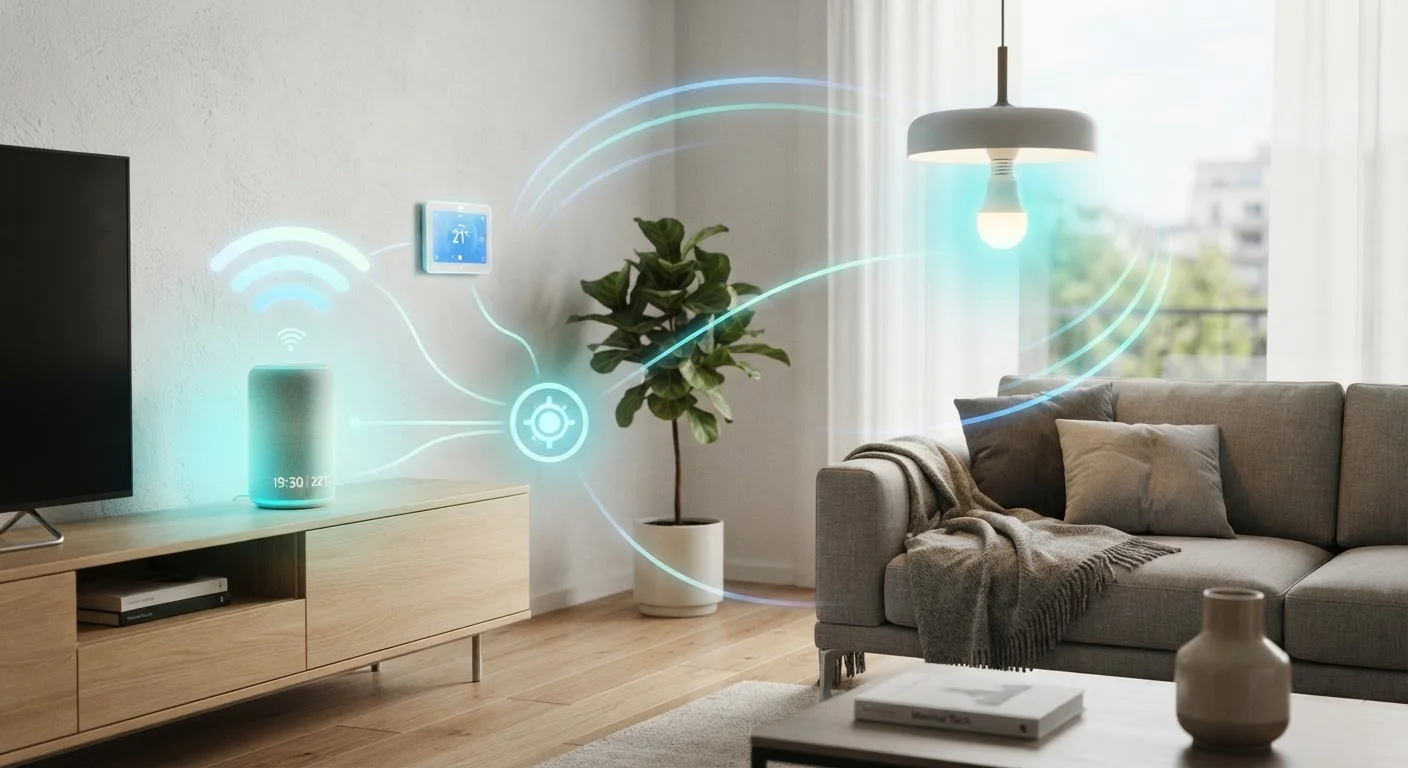
Photo credit: AdvisorHQ.net | Informative Website
In this article
Confused by smart home wireless standards? This guide breaks down Wi-Fi, Zigbee, Z-Wave, and Thread in plain terms every homeowner can follow.
Why Wireless Protocols Matter in a Smart Home
When you plug in a smart bulb or set up a video doorbell, you're trusting a wireless protocol to carry every command - dim the light, unlock the door, trigger an alert - reliably and without lag. The protocol is the language your devices use to speak to each other and to your home network.
The four protocols you'll encounter most often are Wi-Fi, Zigbee, Z-Wave, and Thread. They aren't interchangeable. Each was designed with different priorities in mind: raw speed, long range, low power draw, or network resilience. Choosing devices that use the wrong protocol for your setup is one of the most common reasons smart home systems feel unreliable. See our overview of how smart home technology works for broader context on how devices communicate.
The Four Protocols, Side by Side
Wi-Fi
Wi-Fi connects smart devices directly to your home router - no extra hub needed. That simplicity is its biggest selling point. The tradeoff: Wi-Fi devices consume more power than alternatives, which shortens battery life on sensors and locks. They also add load to your router; a home with dozens of Wi-Fi smart devices may notice congestion or sluggish response. Wi-Fi works well for bandwidth-hungry devices like security cameras and video doorbells where constant streaming matters.
Zigbee
Zigbee operates on the 2.4 GHz band but uses far less power than Wi-Fi. It forms a mesh network - meaning each device can relay signals for others, extending coverage across a large home without dead zones. Zigbee typically requires a hub or smart speaker that supports the protocol. It's widely used in smart lighting, sensors, and outlets. Its one limitation: the 2.4 GHz band it shares with many Wi-Fi networks and microwaves can occasionally cause interference.
Z-Wave
Z-Wave runs on a different radio frequency (around 908 MHz in the US), which keeps it clear of the congested 2.4 GHz band. Like Zigbee, it's a mesh protocol that requires a hub. Z-Wave devices are capped at 232 nodes per network - a limit that rarely matters in residential settings but is worth knowing. The protocol is known for strong interoperability: Z-Wave certified devices are tested to work together, which reduces compatibility headaches.
Thread
Thread is the newest of the four and was designed specifically for the smart home era. It's a low-power mesh protocol built on internet standards, which means it integrates cleanly with the Matter standard - the cross-brand smart home initiative backed by major technology companies. Thread needs a border router (built into some smart speakers and hubs) to connect to the internet. It excels at reliability and low latency, making it a strong foundation for future-proof setups.
Mesh network
A network where each connected device can relay signals to other devices, extending coverage without requiring every device to connect directly to a central hub or router.
Hub
A central device that connects to your router and manages communication between smart home devices that don't use Wi-Fi directly. Required for Zigbee and Z-Wave devices.
Matter
A cross-industry smart home standard designed to let devices from different brands work together. Thread is the preferred wireless protocol for Matter-enabled devices.
Border router
A device that connects a Thread mesh network to the broader internet. Often built into smart speakers or smart home hubs that support Thread.
Protocol
A defined set of rules that governs how devices communicate wirelessly - covering frequency, data format, range, and power use.
Picking the Right Protocol for Your Setup
There's no single correct answer - your choice depends on what you're automating and how your home is built. A few practical guidelines:
- Use Wi-Fi for cameras, video doorbells, and any device that needs to stream data continuously.
- Use Zigbee or Z-Wave for sensors, door locks, and outlets where battery life and range matter more than bandwidth.
- Consider Thread if you're building a new setup and want a protocol designed to grow with the Matter standard over time.
- Mix protocols intentionally. Many households run Wi-Fi devices alongside a Zigbee or Z-Wave hub. The key is planning your hub and ecosystem before buying individual devices.
Frequent disconnections are often a sign that protocol selection or placement is off. Our article on why smart home devices drop off the network walks through the most common causes and fixes. If you're just getting started, the room-by-room smart home starting guide can help you prioritize which devices - and therefore which protocols - to tackle first. For a deeper look at terms like mesh network, hub, and Matter, see The Vocabulary of Smart Home Technology.

Author
Tech & Gadgets Editorial Team
Tech & Gadgets Editorial Team is the collective byline for our editorial team and contributor network. Articles published under this byline or an editorial pen name are researched, written, and reviewed according to our editorial standards for clarity, consistency, and independence before publication.
View all articles →